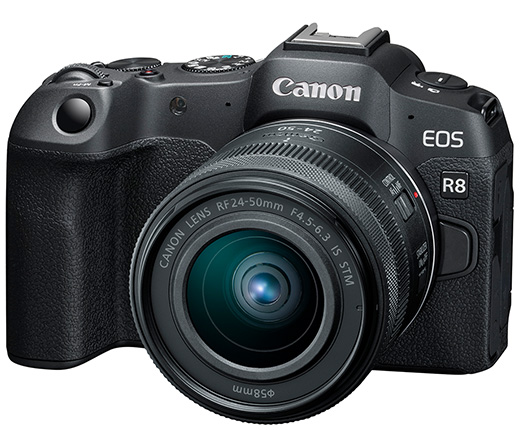
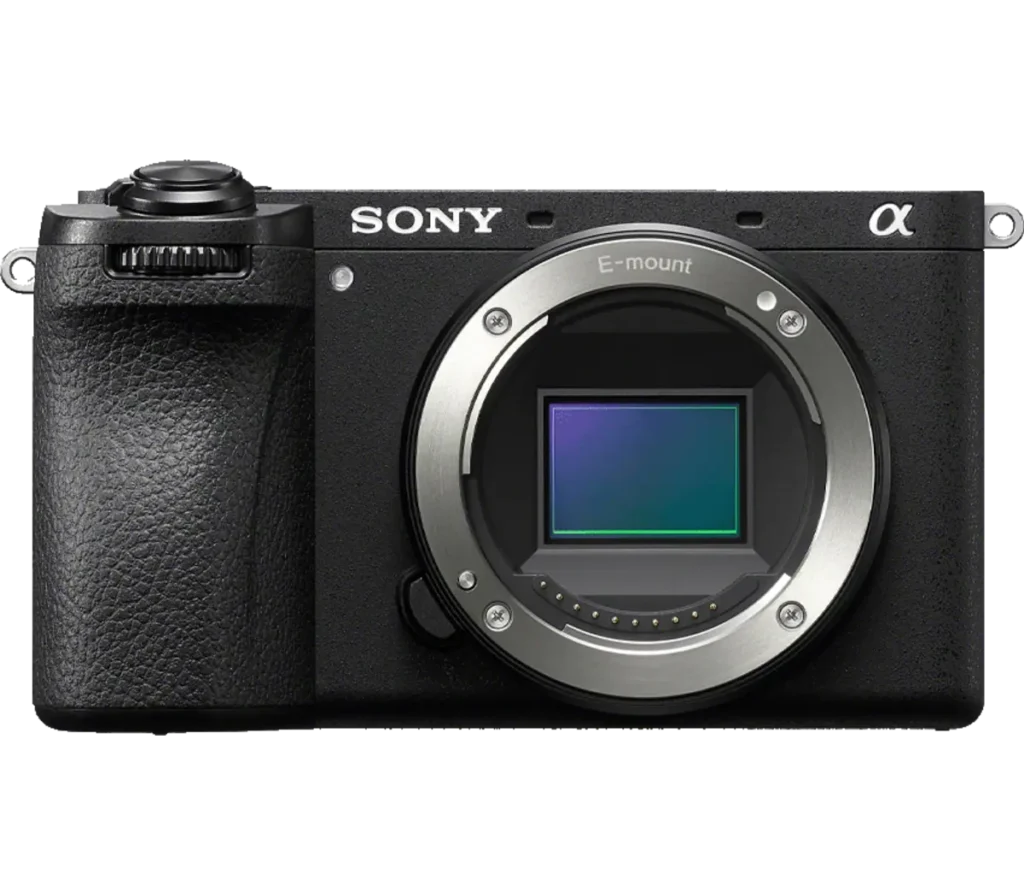
Product photograph from the Shutterbug News archive. Shown as an equipment example, not a new test result.
Equipment guide. This article explains selection and evaluation criteria; it is not a hands-on product review.
Card confusion is a workflow problem that larger capacities do not automatically solve. A simple rotation system makes each card’s status visible and reduces the chance of reusing it before its photographs are safely copied.
Give status a physical meaning
Use a protective case with a consistent arrangement. For example, keep ready cards in one position and used cards in another. Choose a system you can recognise in poor light and explain to anyone assisting you.
Label cards with a small identifier that does not interfere with contacts or insertion. Record which camera or part of the assignment used each card when that information helps the edit.
Make copying a separate stage
Do not move a card into the ready position simply because a transfer window closed. Check that the expected files are present, open representative images and complete the backup step. For important work, retain the original card until the independent copies have been verified.
Avoid deleting individual files hurriedly to create space during a job. Plan enough compatible storage before the session.
Reset deliberately
Format cards using the camera’s recommended procedure only after the required copies exist. Check the selected card and slot before confirming. At the end of the assignment, reconcile the physical cards with the copied folders. A short routine repeated consistently is more valuable than a complicated system that is abandoned when the day becomes busy.
Continue exploring
Samsung EVO Plus microSD Memory Card (128 GB) · Capture the wedding day like Bohemian Rhapsody