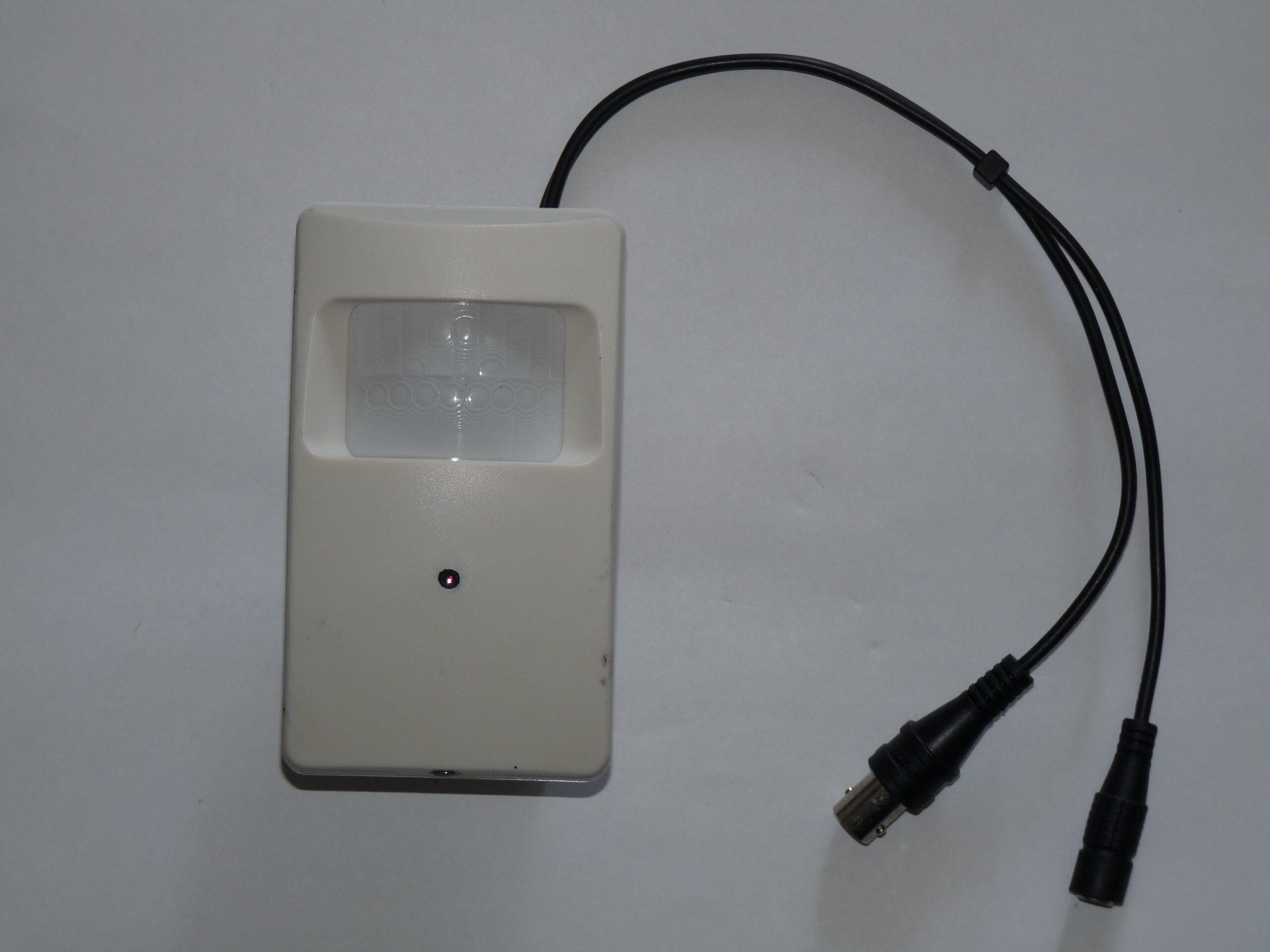
Photo: Dmitry G, Security video camera, CC BY-SA 3.0. Resized; card thumbnails may be cropped. Archive illustration, not a model recommendation.
Equipment guide. This article explains selection and evaluation criteria; it is not a hands-on product review.
A studio security camera should have a clear owner and a clear purpose. Before installation, decide who maintains it, who reviews recordings and which areas it needs to cover. This makes later equipment comparisons much easier.
Ask about account controls
Look for a system that makes it practical to give each authorized person their own access. Check how an administrator removes access when a role changes. A shared login may seem convenient during setup but makes routine handovers harder to manage.
The FTC recommends strong passwords, two-factor authentication where available and software updates for internet-connected cameras. Confirm that the model and service you are considering provide understandable controls for those tasks. Ask how long the manufacturer intends to support the product and where it announces updates.
Make coverage deliberate
Review the view from the perspective of clients and staff as well as equipment protection. Keep private changing and preparation areas outside the intended recording zone. Establish an appropriate notice and retention process for your location and circumstances; this guide is a purchasing checklist, not a legal determination.
Finally, write a one-page operating note: the responsible person, maintenance reminder, retrieval procedure and how access is removed. Store it with your studio operations material, without including passwords. A camera that fits this process is easier to maintain than a feature-rich model whose controls nobody can confidently explain.
Continue exploring
Ten Things Photographers Need to know about Achieving Success in Professional Photography · A Roadmap to Elevating Your Photography Brand
Source and further reading: FTC camera security guidance. Checked October 8, 2026.