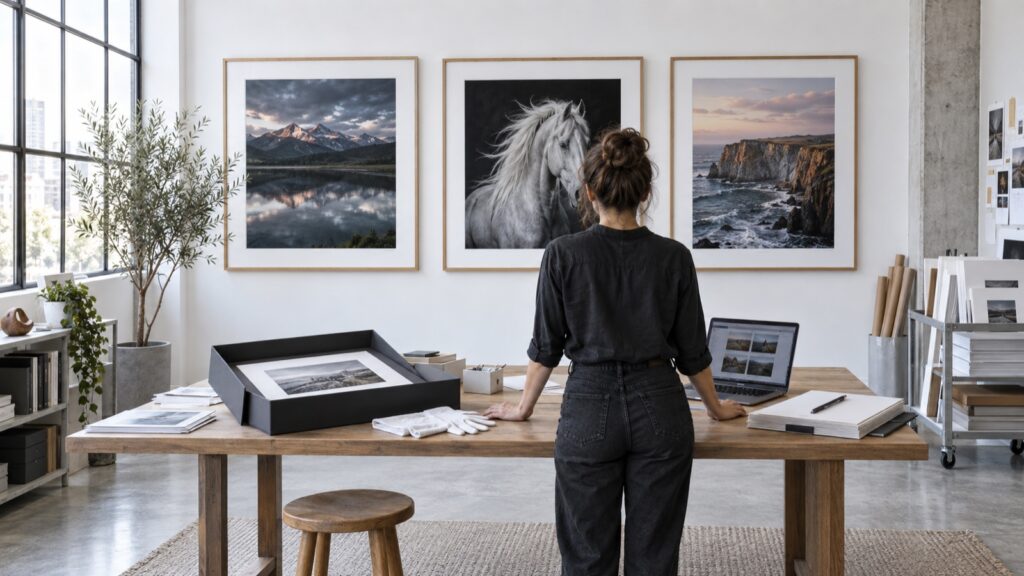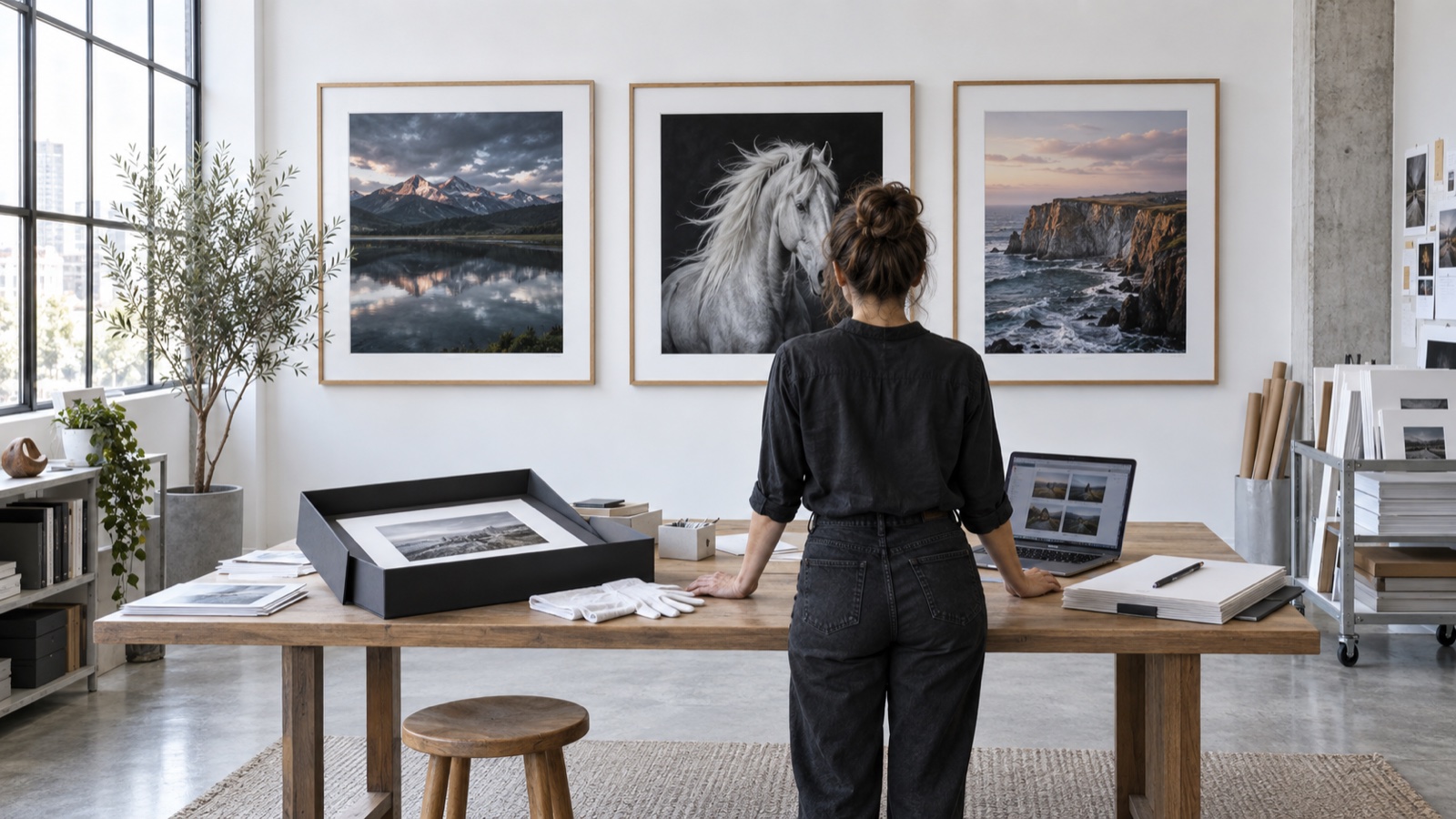
AI-generated editorial illustration from the Shutterbug News archive; not a photograph of a reported event.
Equipment guide. This article explains selection and evaluation criteria; it is not a hands-on product review.
A dramatic demonstration print can make almost any printer look appealing. For a more useful comparison, bring a black-and-white image you know well and decide in advance what you need the print to preserve.
Choose a revealing photograph
Include both a gentle tonal transition and an area where dark details matter. Skin, mist, clouds or a softly lit wall can reveal different qualities from hard-edged architecture. Avoid relying on a file that consists mainly of deep black and bright white; it may hide the subtle relationships you care about.
Ask the demonstrator to explain the paper, profile and relevant print settings. Keep that information with the result. If you compare another printer, make the physical image size similar and use a paper surface that serves the same purpose.
Judge the image as a print
View the result under consistent lighting and at the distance it will normally be seen. Look for the separation between adjacent tones, the treatment of smooth areas and whether the image feels coherent. Then inspect closer for production issues without letting microscopic differences overwhelm the overall photograph.
Ask what part of the result depends on the file preparation and what part depends on printer settings. A successful demonstration should leave you with a process you can repeat, not just a handsome sample. Keep the print as a baseline for your first weeks of ownership if you decide to buy.
Continue exploring
How to Edit a Photography Series: From 1,000 Frames to 12 Keepers · Finding Your Visual Signature: Building a Photography Portfolio People Remember