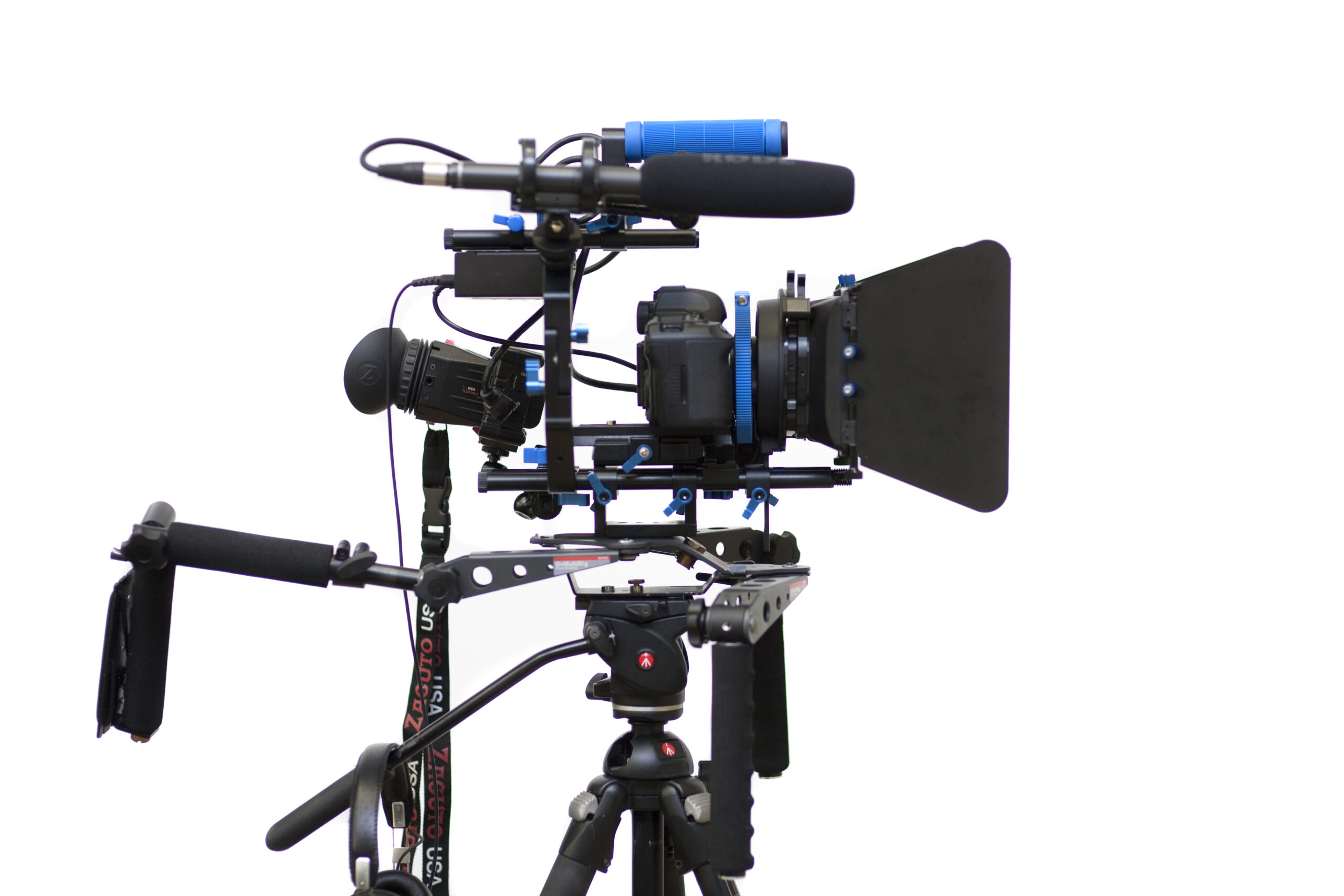
Photo: Sebastiaan ter Burg, DSLR Video rig, CC BY-SA 2.0. Resized; card thumbnails may be cropped. Archive equipment illustration.
Equipment guide. This article explains selection and evaluation criteria; it is not a hands-on product review.
A rig can feel manageable on a table and tiring in use. The position of a monitor, battery or long lens changes how the load behaves. Before adding another handle or counterweight, examine where the existing weight sits in relation to the intended support.
Assemble the shooting configuration
Include the real lens, battery, microphone and cables. Check balance through the movements required by the shot. A setup that feels comfortable while held level may become difficult when tilted or raised.
Follow the equipment makers’ support and load instructions. Move components only within arrangements designed for them, and keep fasteners accessible for inspection.
Remove unnecessary leverage
A small accessory positioned far from the support point can affect handling more than expected. Bring components closer when that improves balance without blocking controls or ventilation. Avoid treating additional weight as the first solution to every imbalance.
Make sure the lens has appropriate support when the configuration requires it. Do not transfer an excessive load to a connection that was not designed to carry it.
Rehearse for the real duration
Practice a short version of the intended shot and note where strain develops. Consider a different support method if the rig cannot be controlled comfortably. Good balance does not make every load suitable for handheld work; it helps you choose a setup that remains predictable throughout the assignment.
Continue exploring
RED Digital Cinema, Inc. Releases The V-RAPTOR [X] Z Mount And KOMODO-X Z Mount Cinema Cameras Compatible With The Nikon Z Mount · Canon EOS C80 Becomes Netflix Approved