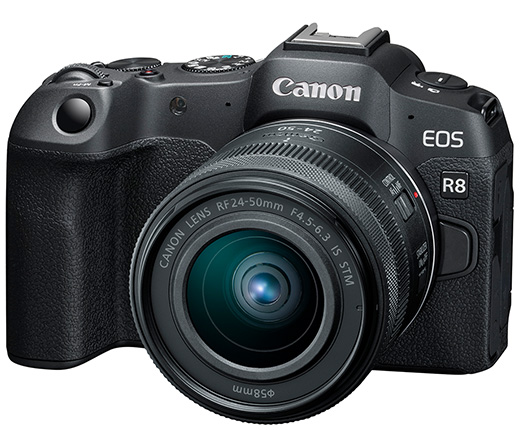
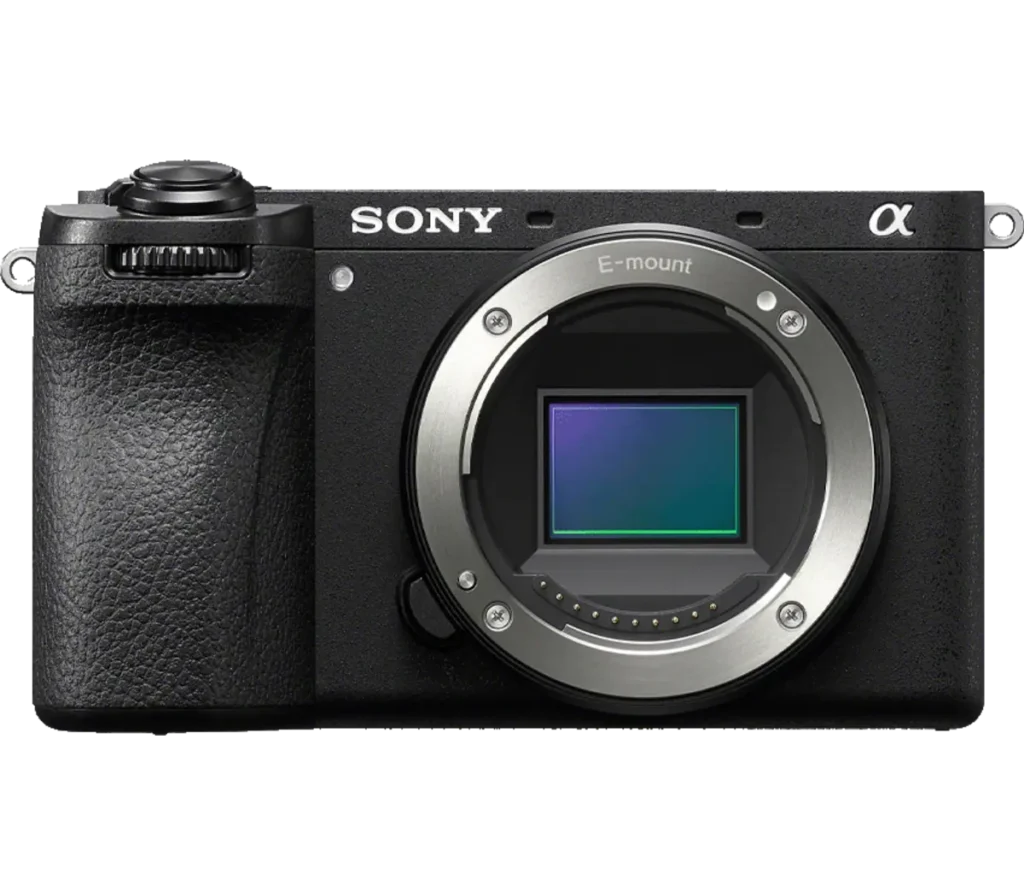
Product photograph from the Shutterbug News archive. Shown as an equipment example, not a new test result.
Equipment guide. This article explains selection and evaluation criteria; it is not a hands-on product review.
A backup is useful only if it can return the material you need. A successful status message is encouraging, but a small restore exercise provides stronger evidence. Test the process before a drive failure turns learning into an urgent task.
Choose a representative sample
Select an older project containing original files, edited versions and any catalog or sidecar information used by your software. Restore it into a separate test location so the exercise does not overwrite your working files.
Open several photographs and confirm that the expected edits and metadata are available. If the workflow depends on a catalog, check that it can locate the restored originals.
Record the missing pieces
A backup may include image files while omitting presets, project documents or software-specific settings. Decide which of those are necessary to reproduce the deliverable. Keep a short inventory rather than assuming every important item lives in the same folder.
Also check whether the restore requires an account, password or application that will remain available when the main computer is unavailable.
Repeat after major changes
Revisit the test when you change storage, software or backup settings. Record the date and result. The purpose is not to create anxiety about every possible failure; it is to establish a recovery process you have actually used. Confidence is much more useful when it comes from opening a restored photograph.
Continue exploring
SanDisk Extreme 510 Portable SSD · How to Edit a Photography Series: From 1,000 Frames to 12 Keepers