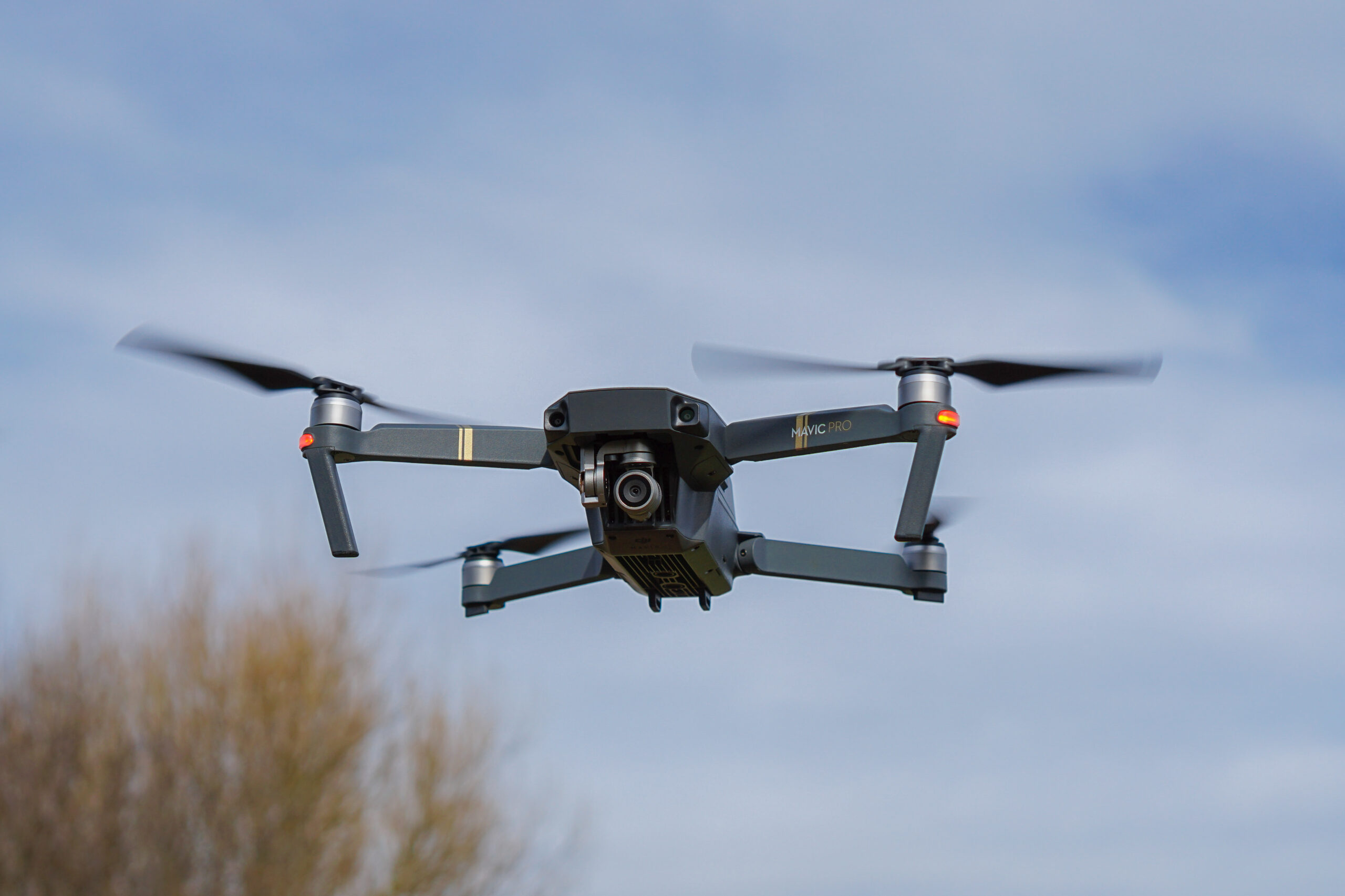
Photo: Sinky, DJI Mavic Pro, CC BY-SA 4.0. Resized; card thumbnails may be cropped. Archive equipment illustration.
Equipment guide. This article explains selection and evaluation criteria; it is not a hands-on product review.
A camera drone is both an aircraft and an imaging system. For a photographer, the useful comparison begins with the files required at the end of the flight. A long specification list does not establish whether the camera supports your intended print, edit or client delivery.
Read the camera section carefully
Check available file formats, image dimensions, lens view and exposure controls for the exact mode you will use. Features can differ between stills and video or between resolution settings. Manufacturer documentation is more reliable for these distinctions than a brief retail summary.
For example, DJI’s Mini 4 Pro specifications list JPEG and DNG still files. That is a concrete format detail, not evidence that every drone provides identical editing flexibility.
Consider the complete workflow
Download representative original files where the maker supplies them and inspect them in your software. Think about highlight handling, detail and the amount of adjustment you need. Do not judge only a heavily compressed promotional clip.
Account for batteries, controller, storage, transport and the time required to operate the aircraft responsibly.
Keep flying requirements separate
Check the applicable aviation rules, permissions and location restrictions before planning a photograph. A camera specification does not grant permission to fly. The best drone for a task is one whose imaging capability and operating requirements both fit the work, with a realistic plan for conditions that prevent flying.
Continue exploring
Top 10 Landscape Photographers to Explore in 2026 · Top 10 Photography Tour Companies to Know in 2026
Source and further reading: DJI Mini 4 Pro camera specifications as an example. Checked October 8, 2026.