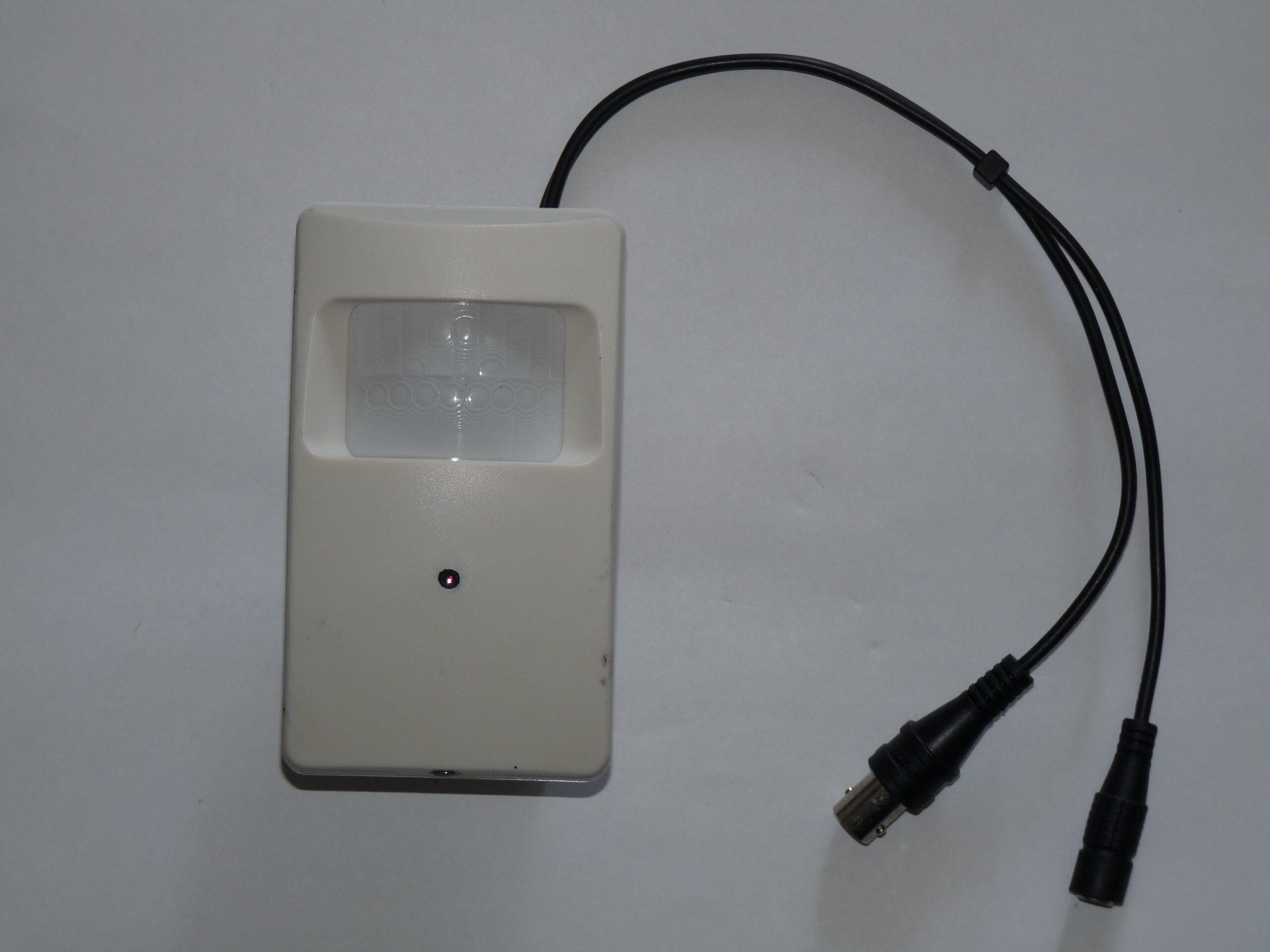
Photo: Dmitry G, Security video camera, CC BY-SA 3.0. Resized; card thumbnails may be cropped. Archive illustration, not a model recommendation.
Equipment guide. This article explains selection and evaluation criteria; it is not a hands-on product review.
A studio camera has a different job from the camera you use to make portraits. Before comparing specifications, write down what the recording must show: a delivery arriving, a door opening or activity around an equipment storage area. Those are different framing problems.
Test the actual view
Sketch the room and mark the intended mounting position. A very wide view may include every wall while making a person near the entrance too small to distinguish. Ask for a sample at a comparable distance and examine a downloaded recording, not only a polished demonstration on a phone.
Repeat the comparison under the light you actually have. A bright doorway, a dark hallway and reflective packaging can produce a demanding scene. Check whether changing exposure for the entrance makes the rest of the room unhelpfully dark. Camera placement may solve more than a higher resolution specification.
Include the whole recording system
Find out where footage is stored, how long it remains available and whether useful export requires a paid plan. Request a sample export before purchase and check its timestamp, playback and file compatibility on your computer.
Account protection belongs in the purchase decision too. The FTC recommends keeping camera software updated and protecting remote access. Look for clear support documentation and understandable controls. A suitable camera is one whose coverage, recordings and ongoing maintenance fit your studio, rather than one with the longest list of advertised features.
Continue exploring
Ten Things Photographers Need to know about Achieving Success in Professional Photography · 10 Tips for Real Estate Photography
Source and further reading: FTC camera security guidance. Checked October 8, 2026.