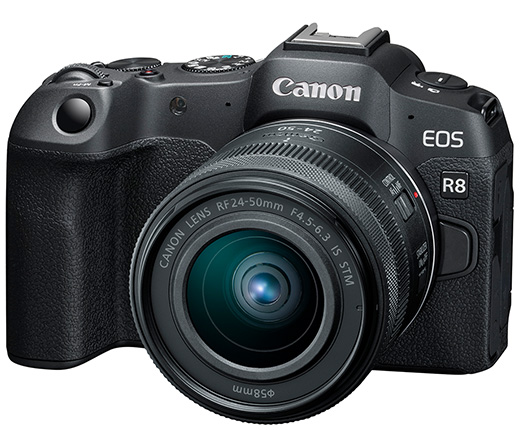
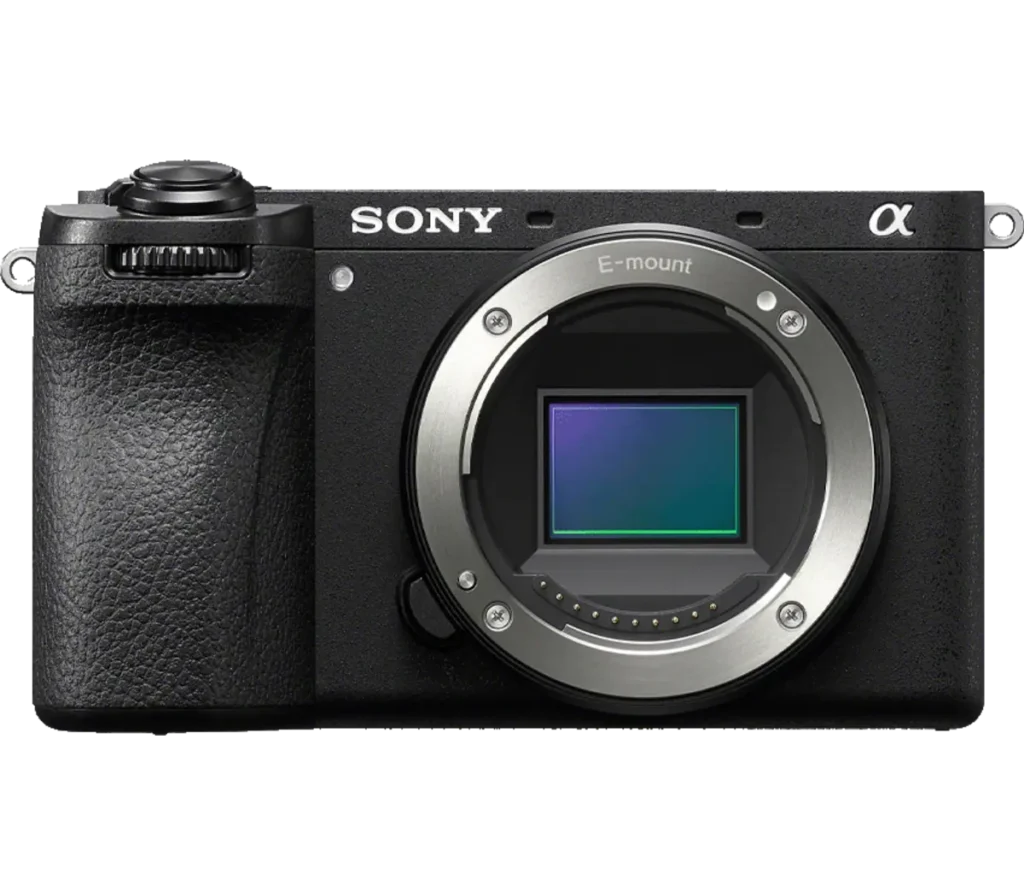
Product photograph from the Shutterbug News archive. Shown as an equipment example, not a new test result.
Equipment guide. This article explains selection and evaluation criteria; it is not a hands-on product review.
Memory-card packaging can display several speed numbers, and they do not all describe the same operation. A headline transfer rate is not necessarily the sustained writing performance required by a camera. Start with the camera’s current card recommendations for the recording mode you intend to use.
Separate class from headline speed
The SD Association explains that speed-class symbols specify minimum sequential performance under defined conditions. Video Speed Class markings include V30, V60 and V90. Those labels are more useful than assuming the largest number on the package answers every compatibility question.
The card’s physical format and interface must also work with the camera. A faster-looking card cannot add an interface capability the camera does not support.
Test the demanding mode
Record a representative sequence using the highest-demand mode you actually need. Check for recording interruptions and allow enough time to reveal sustained behavior. For stills, try the burst length that matters to your work rather than judging only one exposure.
Use a trusted supplier and retain purchase information. Follow the camera’s instructions for formatting and handling cards.
Consider the reader too
Transfer speed depends on the reader, connection and computer as well as the card. A useful storage purchase fits both capture and delivery. Keep a small set of verified compatible cards and a clear routine for distinguishing used cards from those ready for reuse.
Continue exploring
Samsung EVO Plus microSD Memory Card (128 GB) · SanDisk Extreme 510 Portable SSD
Source and further reading: SD Association speed-class guide. Checked October 8, 2026.