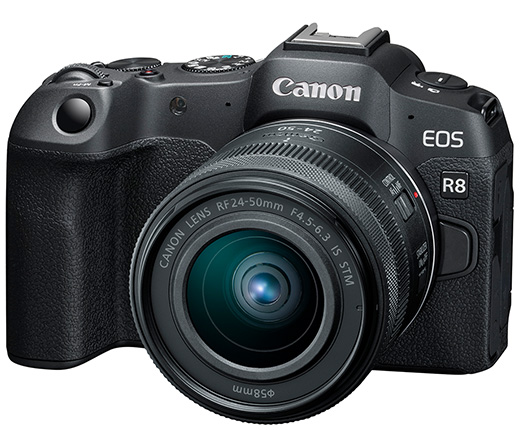
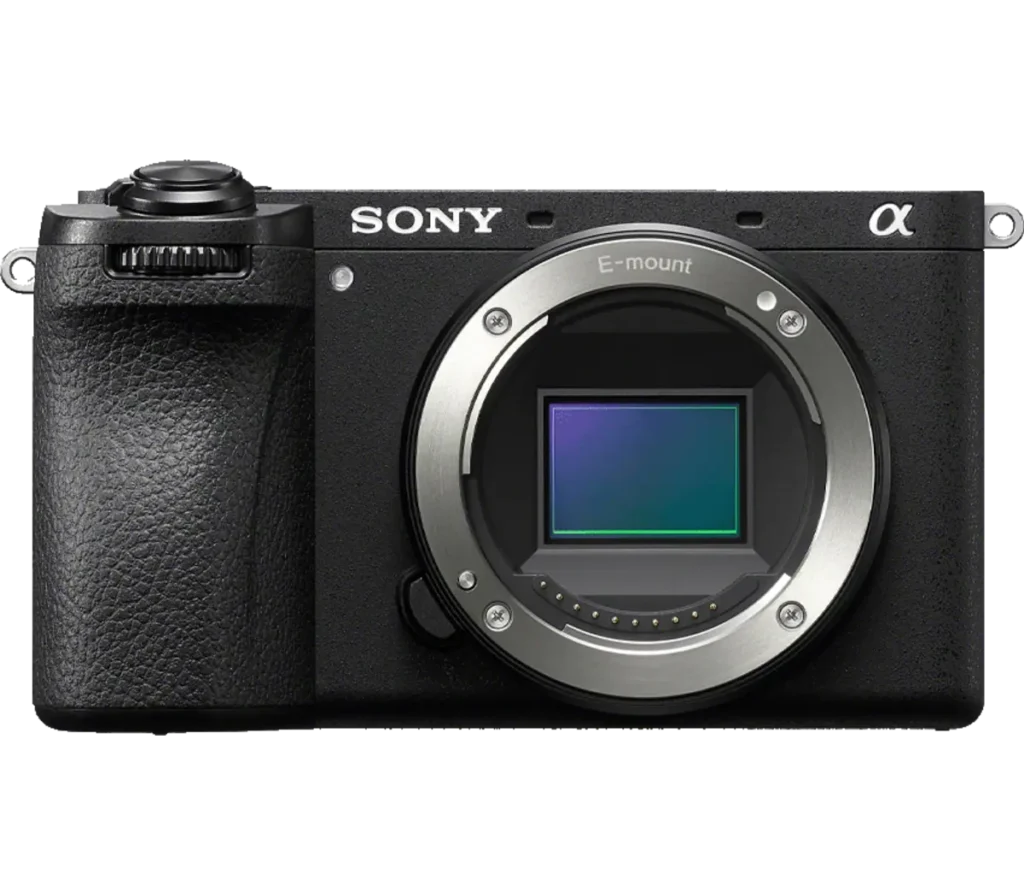
Product photograph from the Shutterbug News archive. Shown as an equipment example, not a new test result.
Equipment guide. This article explains selection and evaluation criteria; it is not a hands-on product review.
A working drive and a backup drive have different jobs. The working drive needs to keep the editing process responsive; the backup needs to preserve a separate recoverable copy. Choosing between an SSD and a hard drive begins with that distinction.
Match the drive to the task
An SSD can be convenient for active editing and travel because it has no moving disk mechanism. A hard drive may offer a different capacity-to-cost balance. Compare current products, connections and warranties rather than assuming every device in either group behaves alike.
Check the computer’s ports and the supplied cable. The slowest part of the connection can limit the benefit of a faster drive.
Test a realistic workload
Copy a representative folder and open the files in your usual software. Check whether the drive remains responsive during the work you actually do. A brief synthetic result does not necessarily describe a long transfer or a busy editing session.
Consider physical handling, cable strain and where the drive will sit. Keep it protected from conditions outside the maker’s operating guidance.
Keep redundancy separate
Neither type of drive is a complete backup strategy by itself. Maintain another copy and verify that files can be restored. Label drives by purpose and date rather than relying on appearance. The right storage choice is one that supports the workflow while leaving a clear recovery path if the device is lost or fails.
Continue exploring
SanDisk Extreme 510 Portable SSD · How to Edit a Photography Series: From 1,000 Frames to 12 Keepers