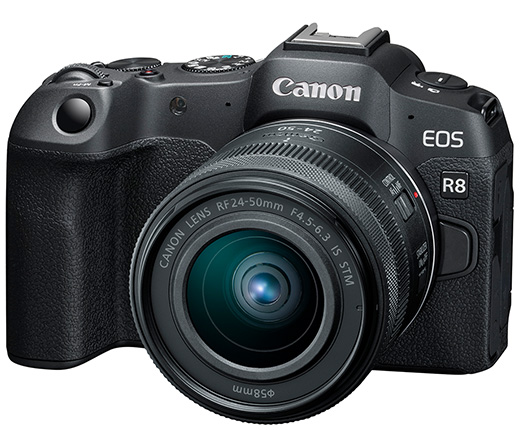
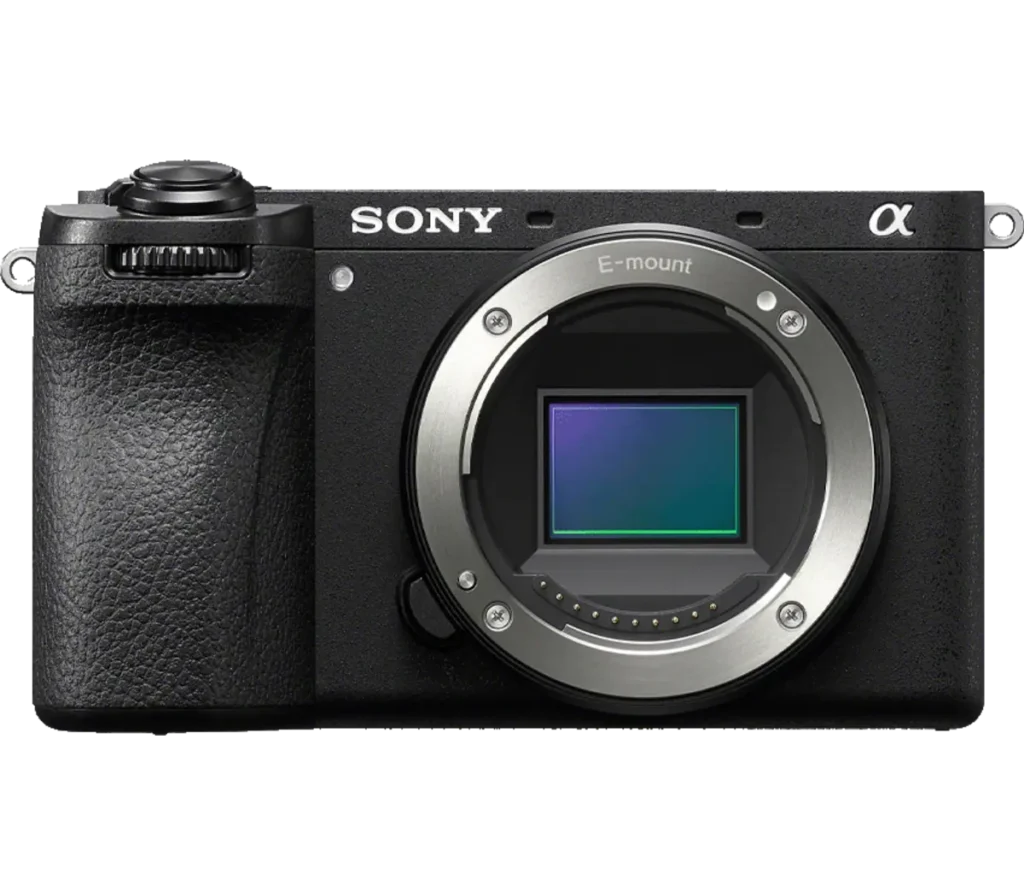
Product photograph from the Shutterbug News archive. Shown as an equipment example, not a new test result.
Equipment guide. This article explains selection and evaluation criteria; it is not a hands-on product review.
An adapter can extend the usefulness of an existing lens, but a physical fit does not establish full functionality. Camera, lens and adapter need to be considered as one combination. Check the exact model names and current compatibility information before buying or attaching equipment.
Confirm the essential functions
Look for explicit support for autofocus, aperture control, stabilisation and exposure information. Compatibility can differ between versions of a lens or adapter. Do not assume that a feature available with one lens carries across an entire mount family.
Follow the manufacturer’s mounting instructions. If something does not fit normally, stop rather than forcing it. Pay particular attention to older lenses and accessories with protruding components.
Test the intended photograph
Make files at several apertures and focus distances. Try the autofocus mode and subject movement relevant to your work. Review the recorded metadata and check whether the camera identifies focal length correctly where that information is needed.
For a heavy lens, plan support around the appropriate lens foot or supported mounting point. Avoid placing unnecessary strain on the camera mount.
Account for the extra connection
Pack the correct caps and keep mounting surfaces clean. Practice the setup before an assignment so troubleshooting does not consume shooting time. Adapted equipment can be valuable when its limitations are understood; it should be judged by a verified working combination rather than a promise of universal compatibility.
Continue exploring
Sigma 85mm F1.4 DG HSM Art · Nikon D750 with 24-120mm VR Lens Kit
Source and further reading: Nikon lens-type compatibility guidance. Checked October 8, 2026.