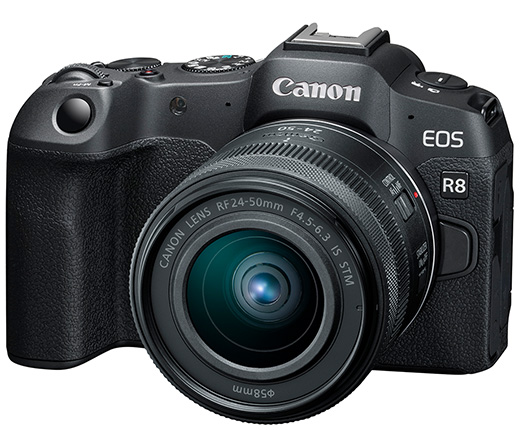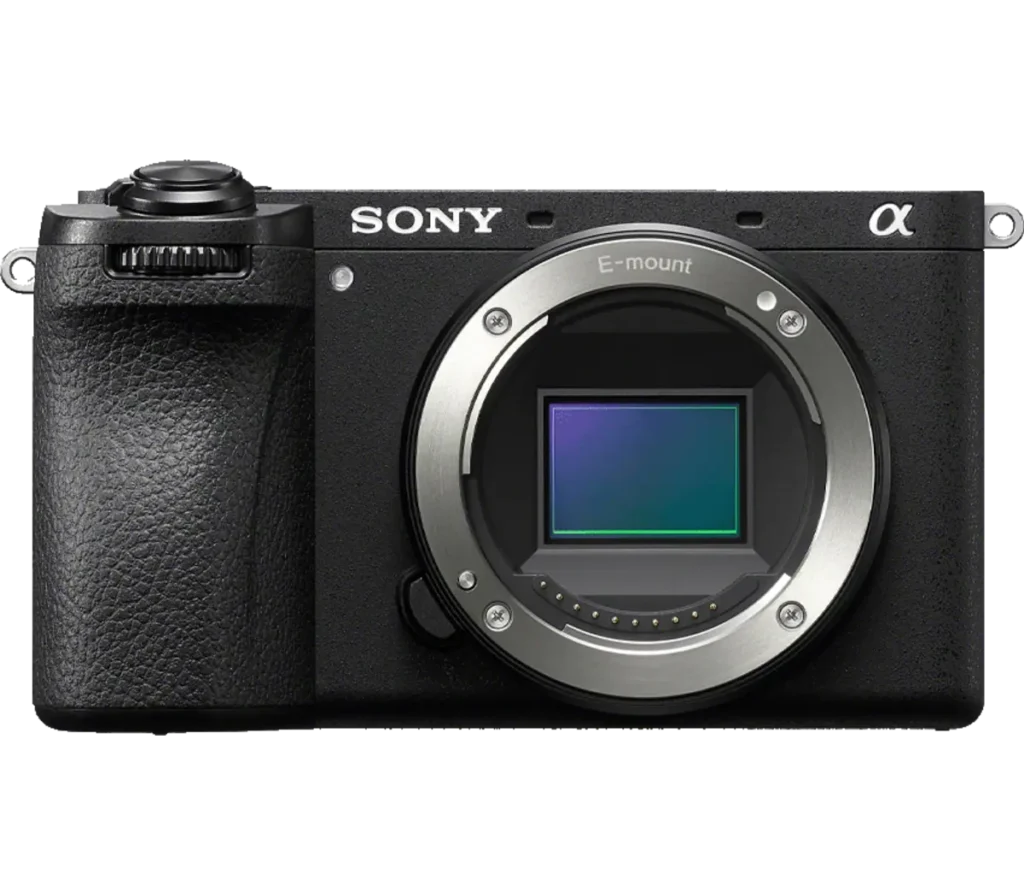
Photograph: Neal Nachman / Artistic Creationz. Used as an illustrative image.
Equipment guide. This article explains selection and evaluation criteria; it is not a hands-on product review.
A tripod removes one source of uncertainty, but it does not make every photograph sharp. If a supported image looks soft, begin by identifying what moved or where focus landed. Otherwise it is easy to replace equipment without solving the cause.
Separate motion from focus
Inspect a stationary detail near the intended focus point. If it is sharp while moving leaves or water blur, the support may be working correctly. If the whole image shows a directional smear, investigate camera movement. A consistently sharp area in the wrong place suggests a focus problem.
Make comparisons at the same magnification and avoid judging sharpness from a small screen alone.
Simplify the setup
Check leg locks, head controls and the plate connection. Remove a loose strap from the wind and avoid touching the camera during the exposure. Use a release method supported by the camera, such as a timer or remote, when appropriate.
Consult the manual for shutter and stabilisation options. Their behavior can differ by model and lens, so a setting that helped another camera is not automatically correct for yours.
Change one variable
Make a short series with only one change at a time: support height, shutter speed, focus method or release technique. Keep notes beside the files. The goal is a repeatable improvement, not a single lucky sharp frame. A clear diagnosis helps you decide whether technique, conditions or equipment needs attention.
Continue exploring
Benro announces new, ultra-portable travel tripod · Fireworks 101: Photographing Fireworks