A security camera can display a convincing live picture while leaving an important question unanswered: how easily can a useful recording be found and preserved later? For a photography studio, the retrieval process deserves a practical test of its own.
Create an ordinary test event
Record a simple, agreed activity in the intended area, such as a person entering through the studio door. Note the time and camera name. Keep the test limited to people who know it is taking place.
Return to the recording interface after the event and find the clip using the normal search controls. Check that the displayed time is understandable and that the correct camera is easy to identify.
Export and reopen the result
Save a clip using the product’s supported method, then open it on the device that would normally review it. Confirm that the important action, timestamp and necessary context remain readable.
Do not assume that a phone screenshot of the live view preserves the same information as the recorded file. Test the actual export path rather than only the viewing app.
Document the routine
Keep concise instructions for finding and exporting a recording, including the location of any authorised account or application needed. Avoid storing passwords in the same general instruction sheet.
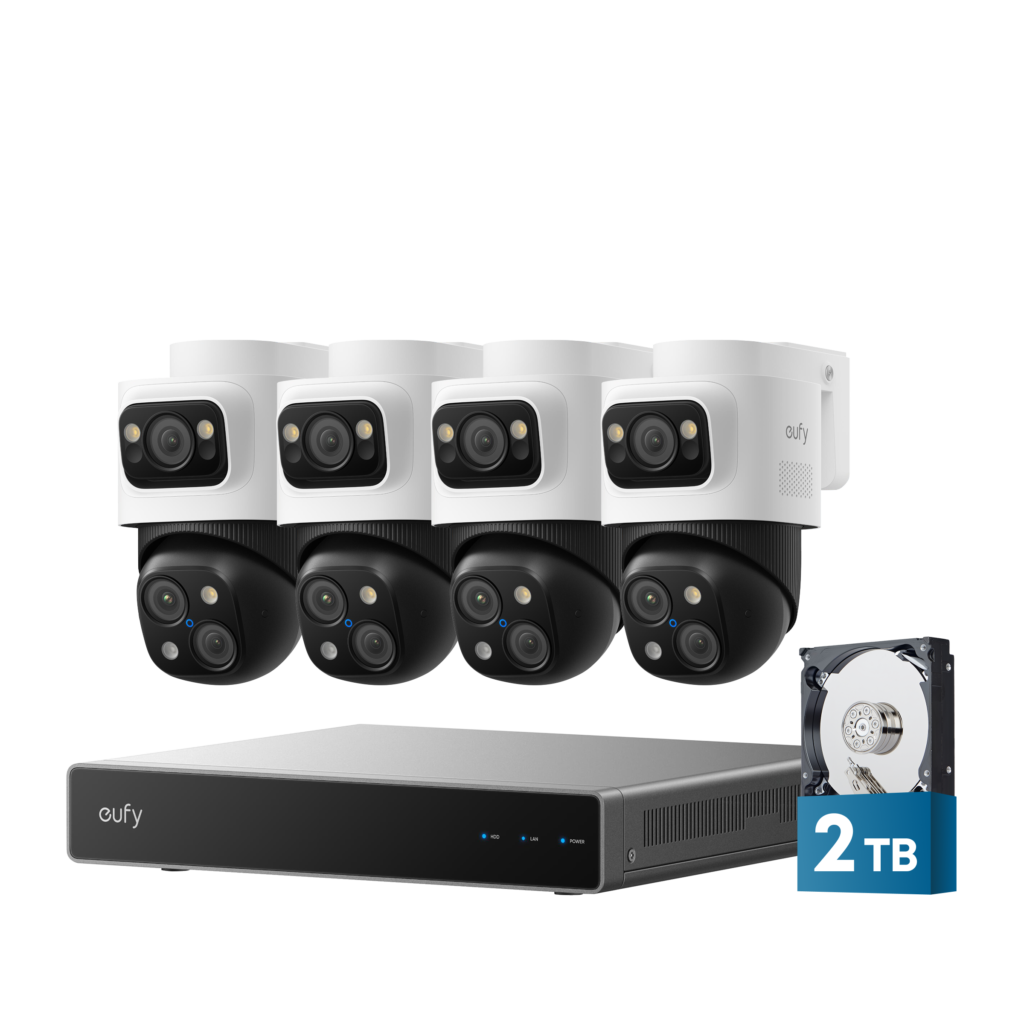
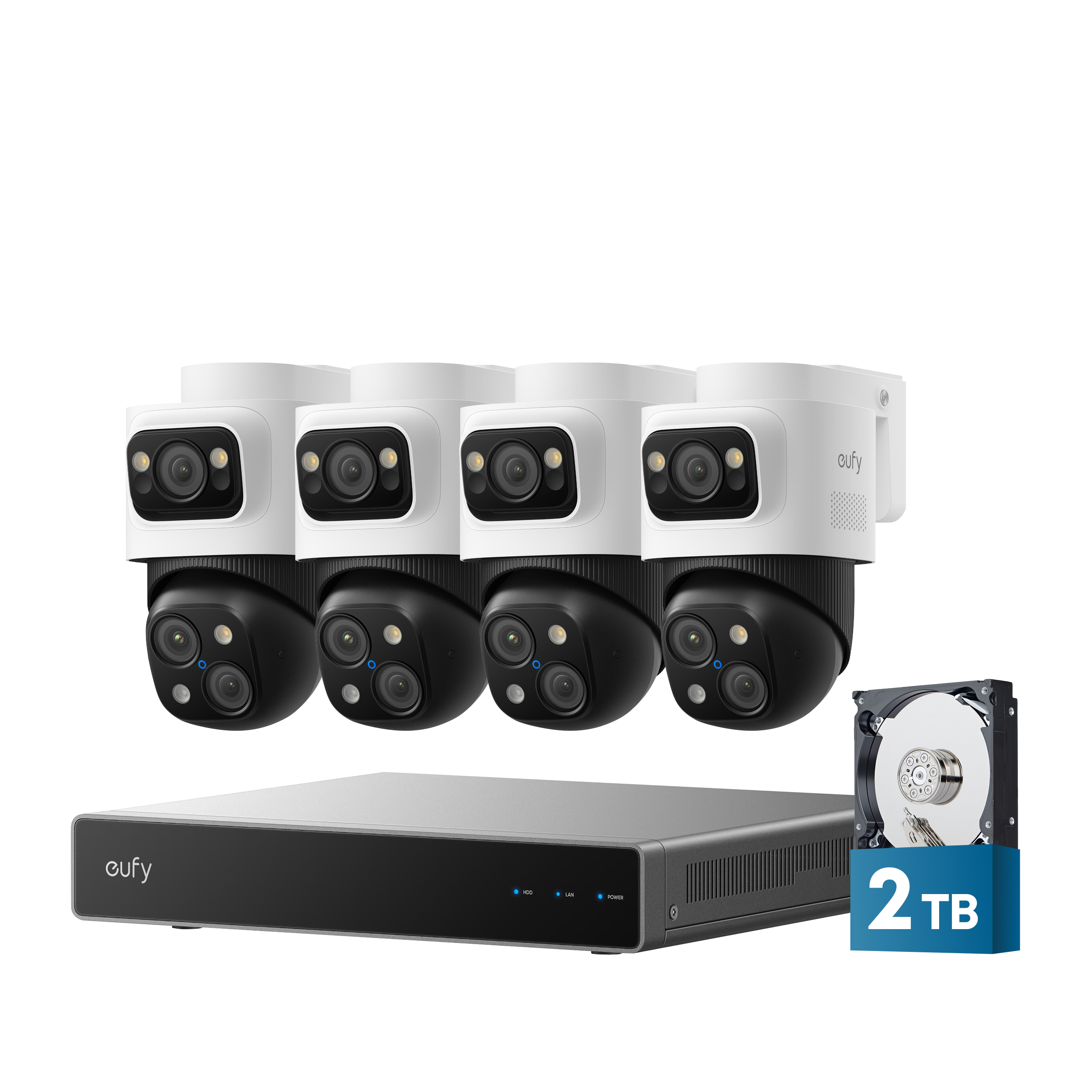
The featured manufacturer image shows eufy’s S4 Max PoE NVR configuration, described on its official product page. The retrieval exercise applies to whichever system a studio selects; exact export capabilities need to be confirmed for that product and software version.
Repeat the test after a substantial configuration change. A security recording becomes useful when it can move from the recorder to a readable retained file without confusion. That complete path matters more than an attractive live-view thumbnail.