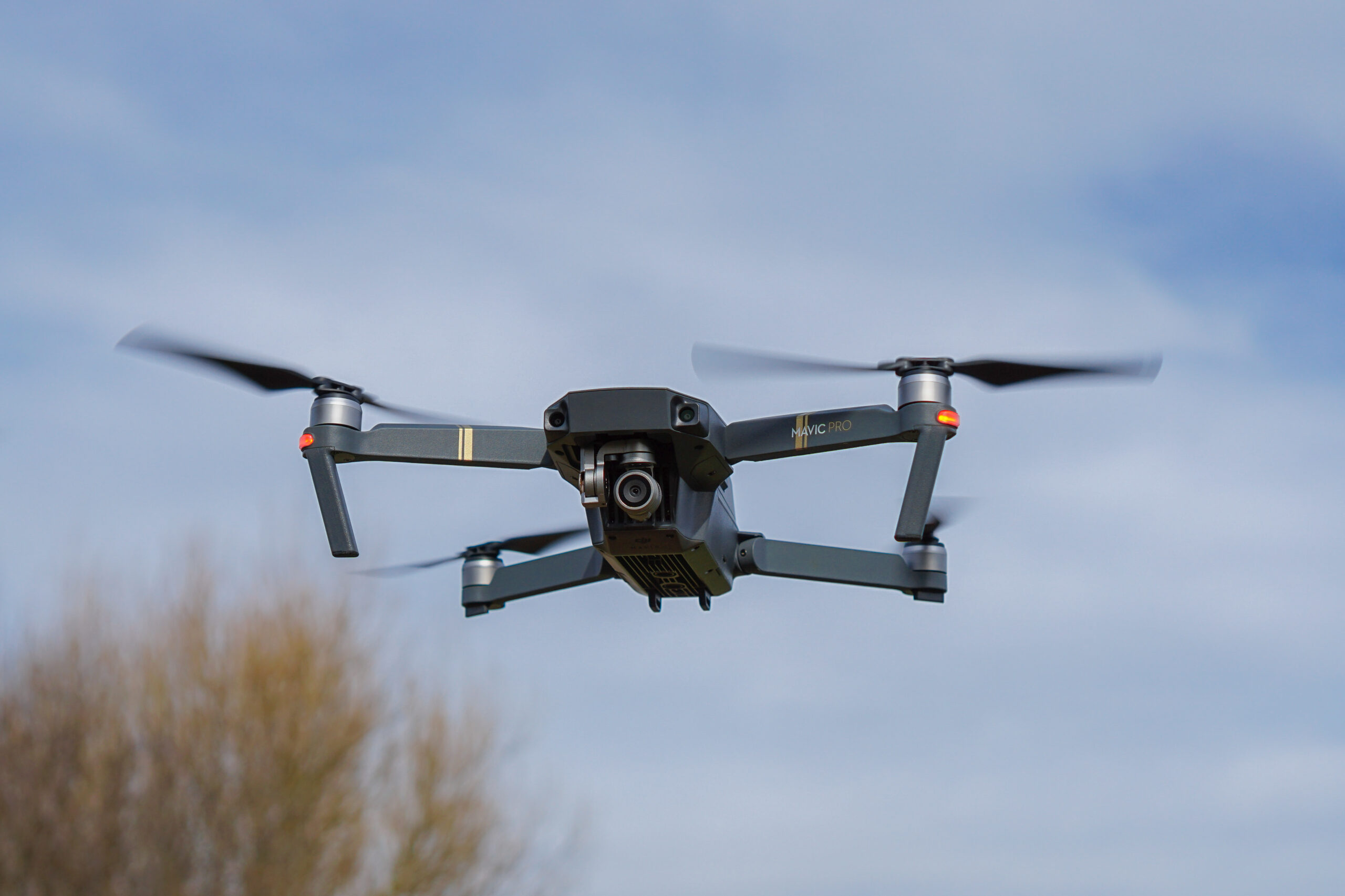
Photo: Sinky, DJI Mavic Pro, CC BY-SA 4.0. Resized; card thumbnails may be cropped. Archive equipment illustration.
Equipment guide. This article explains selection and evaluation criteria; it is not a hands-on product review.
The choice between RAW and JPEG affects what happens after a flight. RAW can preserve a different starting point for editing, while JPEG provides a processed file that may be ready for quick use. Check what the particular drone supports and whether both can be recorded together.
Match the format to the task
For a carefully edited landscape or a demanding tonal adjustment, RAW may be useful. For rapid delivery, a well-exposed JPEG can simplify the process. Neither format rescues a poor composition, severe blur or an exposure that exceeds what the camera can record.
Test a representative scene in the supported formats before an important session. Compare the final exported results, not only the initial previews.
Check the software path
Confirm that your editor opens the files correctly and preserves the information you need. Review white balance, lens correction and output color settings. Keep original files separate from delivered copies.
Plan card capacity and transfer time around the chosen format. More data is useful only if the workflow can handle it reliably.
Build a repeatable default
Choose a normal capture setting and document when you would change it. Review the camera configuration before takeoff, especially after using a different shooting mode. A clear format decision on the ground reduces unnecessary menu work during flight and makes the resulting edit easier to organise.
Continue exploring
Lightroom 9.5 adds Generative Expand and finer masking controls · How to Edit a Photography Series: From 1,000 Frames to 12 Keepers
Source and further reading: DJI Mini 4 Pro still-image formats. Checked October 8, 2026.