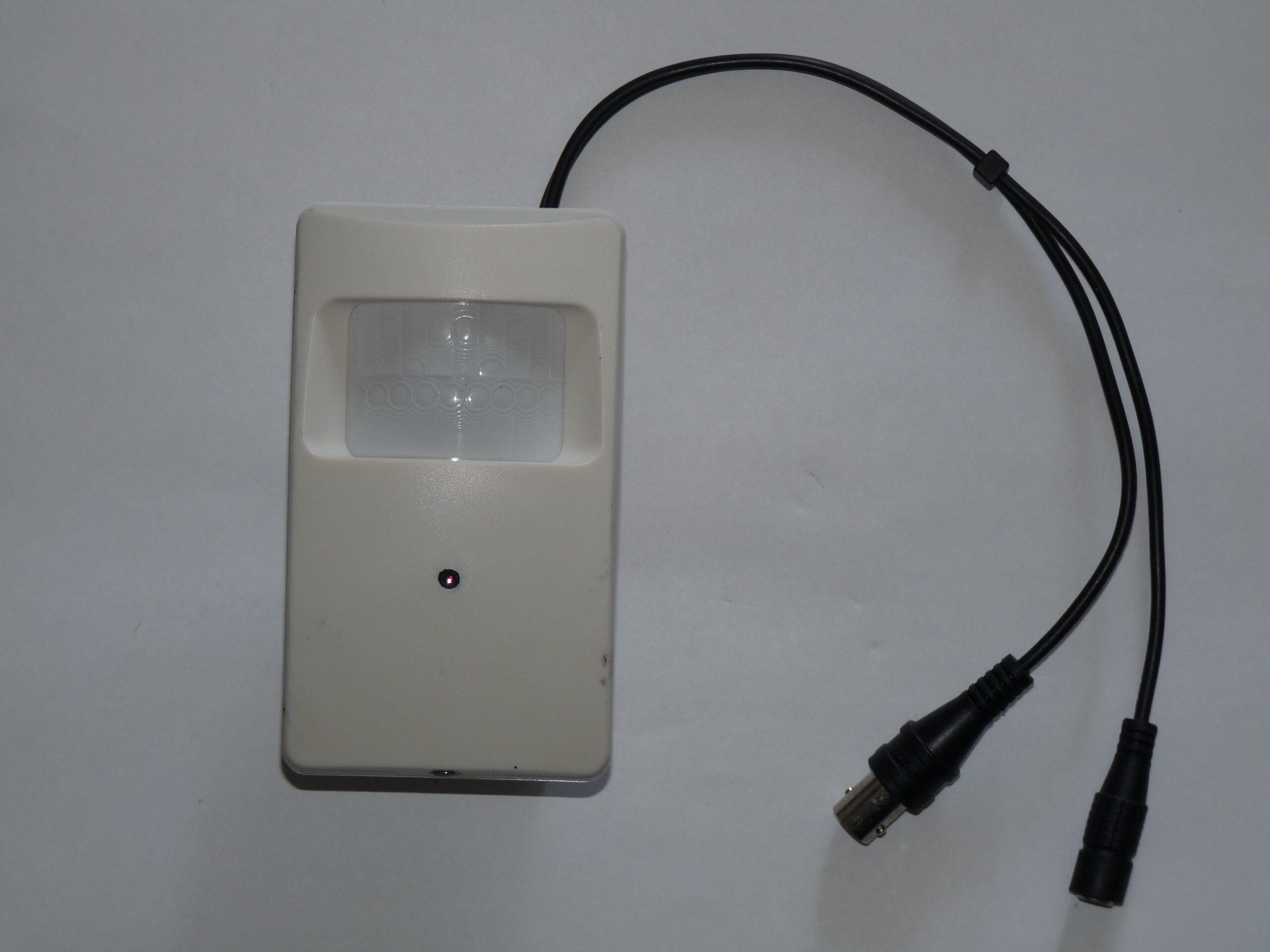
Photo: Dmitry G, Security video camera, CC BY-SA 3.0. Resized; card thumbnails may be cropped. Archive illustration, not a model recommendation.
Equipment guide. This article explains selection and evaluation criteria; it is not a hands-on product review.
Storage determines whether a security camera recording is available when you need it. A camera specification tells only part of the story; the recording plan and retrieval process deserve an equally careful comparison.
Follow one recording from start to finish
For a local system, ask where the recording device sits, how it reports storage problems and what happens when the drive fills. For a cloud system, check the exact plan, retention period and any limits on downloadable clips. Do not assume a live view includes saved recordings.
Ask the supplier what continues working during an internet interruption and during a power interruption. These are separate questions, and answers depend on the complete system. Write the answers beside each candidate instead of relying on broad labels such as local or wireless.
Price the workflow
Calculate the cost for all intended cameras over a realistic ownership period. Include storage, subscriptions and replacement equipment. Then test the less visible cost: the time required to locate a short event and export it in a playable form.
Keep access limited to people who actually manage the studio. The FTC advises securing internet-connected devices and reviewing their features; apply that thinking to the recording account as well as the camera itself. Choose the arrangement you can maintain and retrieve from consistently. Storage capacity is valuable only when the system records the right scene and someone can find the relevant clip.
Continue exploring
SanDisk Extreme 510 Portable SSD · Ten Things Photographers Need to know about Achieving Success in Professional Photography
Source and further reading: FTC connected-device guidance. Checked October 8, 2026.