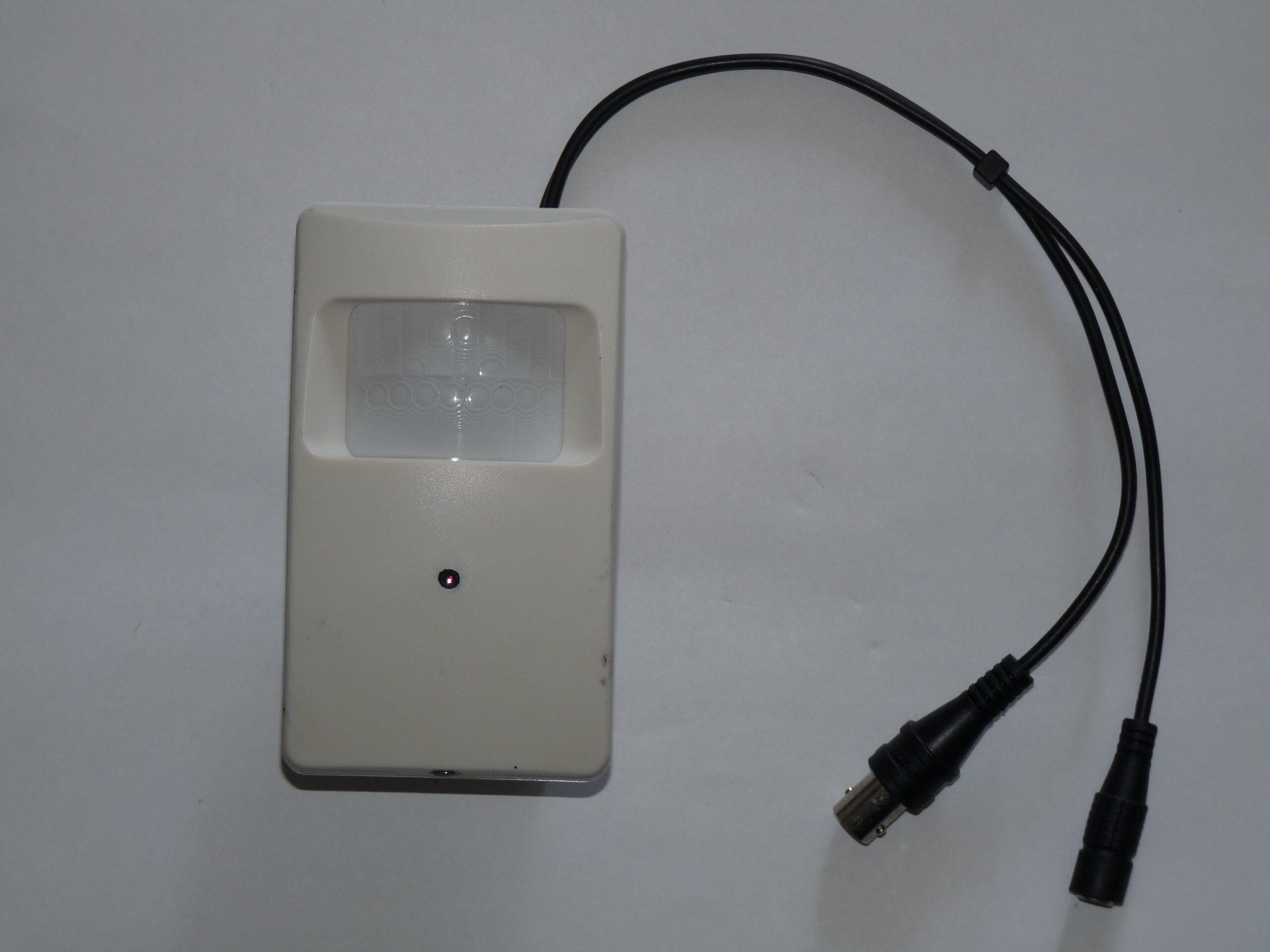
Photo: Dmitry G, Security video camera, CC BY-SA 3.0. Resized; card thumbnails may be cropped. Archive illustration, not a model recommendation.
Equipment guide. This article explains selection and evaluation criteria; it is not a hands-on product review.
Permanent mounting is the final step in choosing a studio security camera position. First, make a temporary placement test that reproduces the intended height and angle without creating a falling or tripping hazard. Follow the equipment’s installation guidance and use suitable support.
Walk the useful route
Ask a colleague to enter, pause at the delivery area and leave by the normal route. Watch the recorded clip afterward. Does the person remain in view? Does an open door block the camera? Does a shelf create a blind area exactly where a package is placed?
Repeat the walk with the ordinary lighting switched as it would be during opening and closing. A position that works during a bright afternoon may show a very different scene after the studio lights are off. Note the problem before deciding whether to change the angle, the location or the lighting.
Check the practical details
Trace the planned power and network cable paths. Keep them away from working areas and make sure connectors can be accessed for maintenance. Confirm that the camera does not interfere with doors, backdrops or client movement.
Finish by retrieving and exporting the test clip. Check the timestamp and play it on the computer you would normally use. Keep a short record of the chosen view and the reason for it. That reference will help you notice if a later furniture change or accidental bump compromises coverage.
Continue exploring
10 Tips for Real Estate Photography · Exploring Pre-visualization in Photography