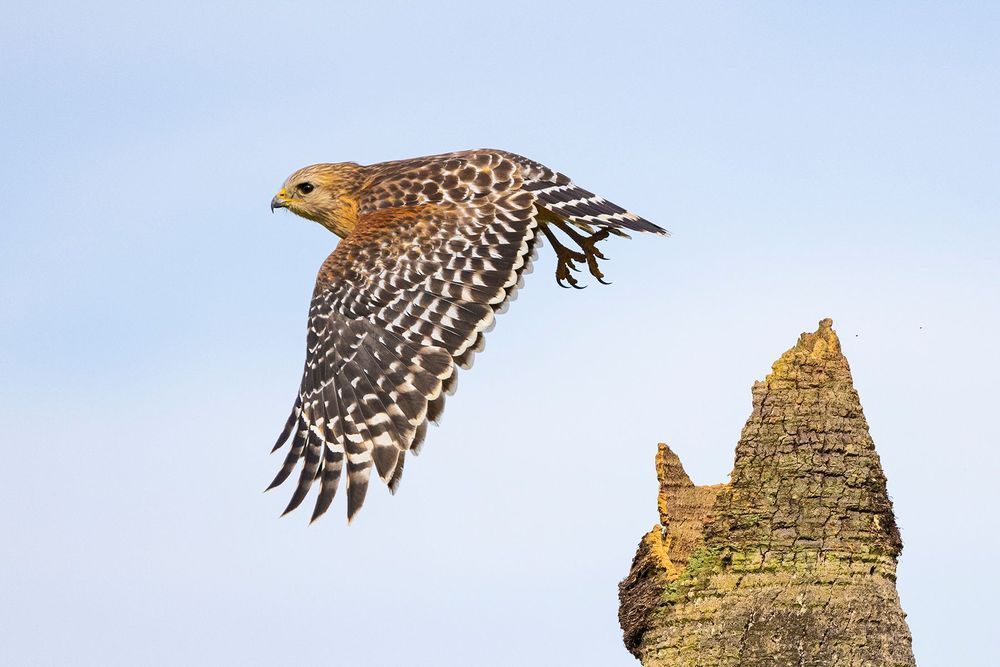
Photograph: Neal Nachman / Artistic Creationz. Used as an illustrative image.
Back-button focus separates autofocus activation from the shutter release. It can be useful when you want to decide independently when the camera refocuses, but the unfamiliar finger movement deserves practice before an important encounter.
Start with a predictable subject
Consult your camera manual for the relevant button assignment and shutter autofocus setting. Nikon’s AF-ON guide explains the underlying separation; the exact menu names depend on the camera. Photograph a stationary object first and verify that each button now does what you expect.
Next, ask a willing helper to walk slowly toward you in an open, safe space. Practice maintaining focus while following the movement, then releasing the focus button when you want to hold the current distance. Review the images rather than judging success solely by the viewfinder indicator.
Add one difficulty at a time
Try a subject that moves across the frame, then one that pauses and starts again. Notice whether your thumb stays comfortable and whether you accidentally stop focusing at the decisive moment. If the control arrangement feels awkward, adjust the assignment where your camera permits it.
The technique is a choice, not a requirement for serious photography. Keep the configuration that you can operate reliably while composing. Before returning to wildlife, make a few ordinary photographs and confirm the camera’s behavior. A practiced, familiar setup is more useful than adopting a new control method simply because it is popular.
Continue exploring
5 Tips for Photographing Hummingbirds · Capturing Nature’s Majesty: The Art Of Wildlife Photography From A Low Angle
Source and further reading: Nikon on the AF-ON button. Checked October 8, 2026.