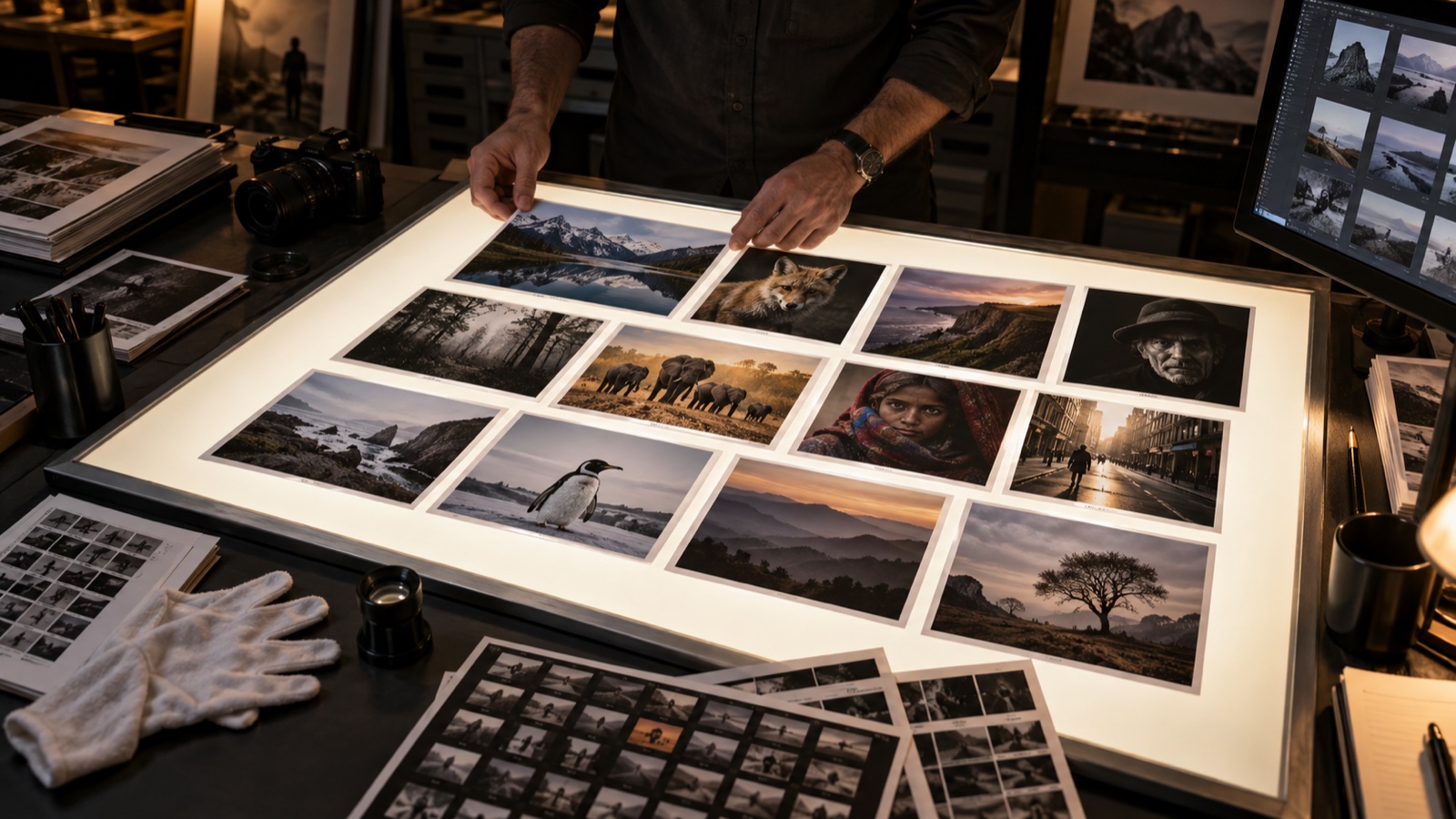
AI-generated editorial illustration from the Shutterbug News archive; not a photograph of a reported event.
Consistency in a series does not mean forcing every photograph to have the same brightness and color. It means making the images feel intentionally related while preserving the differences that help the story unfold.
Choose an anchor image
Select a representative photograph and finish a restrained base edit. Use it as a reference for color relationships, contrast and the treatment of highlights and shadows. Then compare the neighboring images in the sequence rather than adjusting each in isolation.
Where your editor allows settings to be copied, transfer only the adjustments that are appropriate to the other frames. Different lighting, exposure or subject placement may require individual treatment. Review local corrections especially carefully; an adjustment designed for one face or sky should not be assumed correct elsewhere.
Check rhythm as well as color
View the series as small thumbnails, then inspect the important transitions at a larger size. Notice whether one frame is unintentionally loud or whether a deliberate dark image provides a useful pause. Keep variations that serve the sequence instead of flattening them merely to achieve uniformity.
Return after a break and review the opening, middle and ending together. Save the final order and the delivered versions so later additions can be judged against a stable reference. The goal is a coherent visual voice across the project, with enough flexibility for different scenes to retain their own light, atmosphere and purpose.
Continue exploring
How to Edit a Photography Series: From 1,000 Frames to 12 Keepers · From Single Images to Powerful Stories: Creating a Compelling Photo Essay