Tethered capture is more than seeing one photograph appear on a computer. Evaluate the loop from camera trigger to transfer, preview, selection and safe storage. A system should remain understandable when a cable is disconnected or a session must restart.
Check camera support separately
Adobe maintains a dedicated Lightroom Classic tethering support list. It is separate from raw-file decoding support: an editor can open a camera’s files without supporting direct tethered capture from that camera. Check the exact model, operating system, application version and any camera-specific notes.
Begin with a direct, supported connection and a known-good data cable. Follow the manufacturer’s connection instructions. Adobe’s troubleshooting guidance addresses supported cameras, cables and the need to investigate the setup systematically rather than changing several components at once.
Measure the experience you need
Make a repeatable series at the pace expected in the studio. Observe when the preview becomes available and when the file is ready for inspection. Confirm where the original is saved and what happens if the computer sleeps or the camera is temporarily disconnected.
Reopen the destination folder independently and inspect several files. A visible preview is not sufficient evidence that every original reached the intended storage location. Check naming and destination settings before involving a client in the session.
Rehearse the fallback
Stop the test deliberately using the supported procedure, reconnect and resume. Confirm that filenames do not collide and that the session’s files remain identifiable. Decide how you will continue shooting if the computer connection becomes unavailable, following the camera’s supported card-recording behavior.
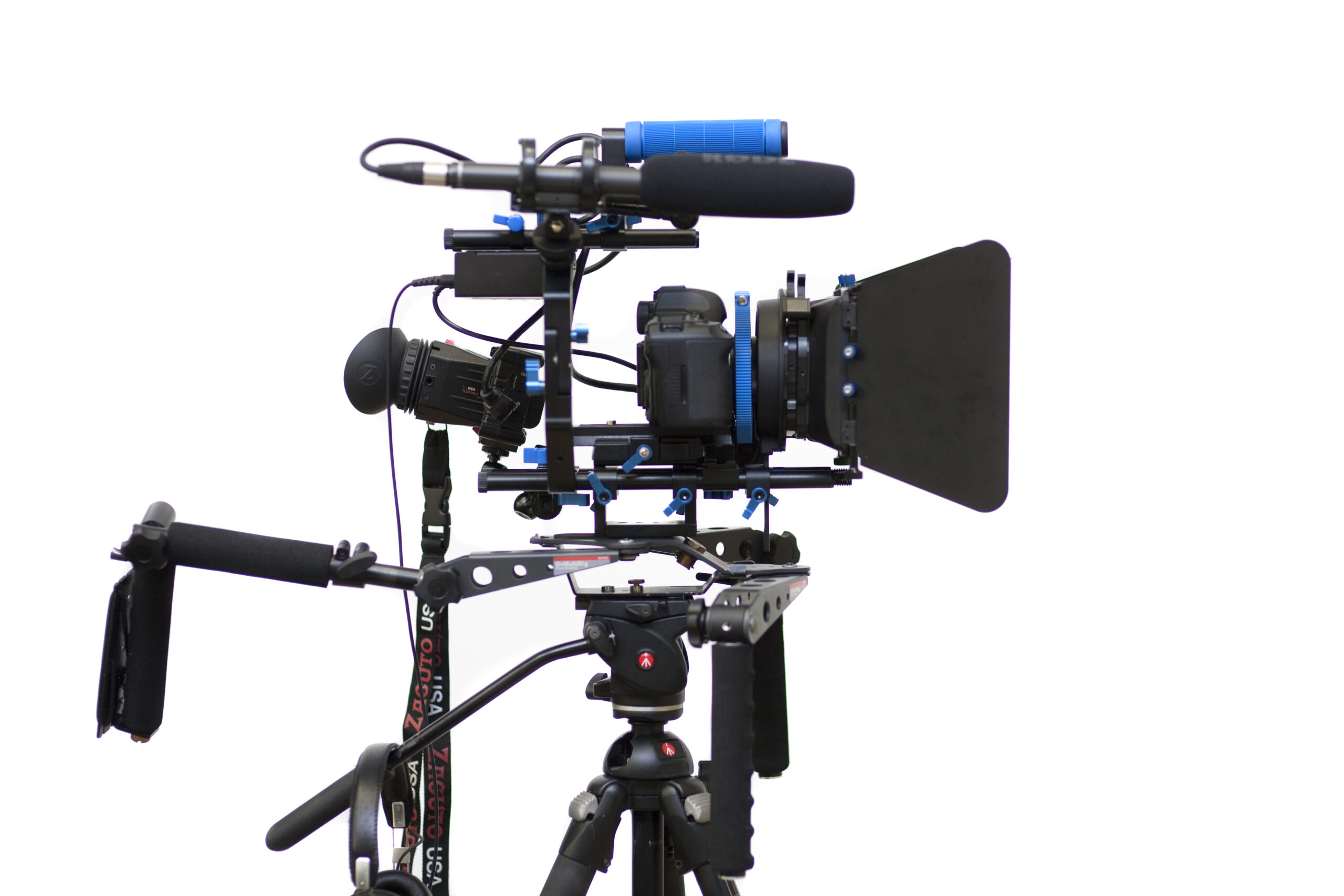
Use our guides to camera cable management and image ingest for related controls. This is an evaluation method, not a timed comparison of tethering applications. The video rig photograph illustrates a connected camera arrangement, not a claim that its pictured hardware was tested with Lightroom Classic.
Sources and further reading
Photograph: Sebastiaan ter Burg / Wikimedia Commons, CC BY-SA 2.0. Source: https://commons.wikimedia.org/wiki/File:DSLR_Video_rig.jpg . License: https://creativecommons.org/licenses/by-sa/2.0/ . Resized; card thumbnails may be cropped. Equipment illustration.