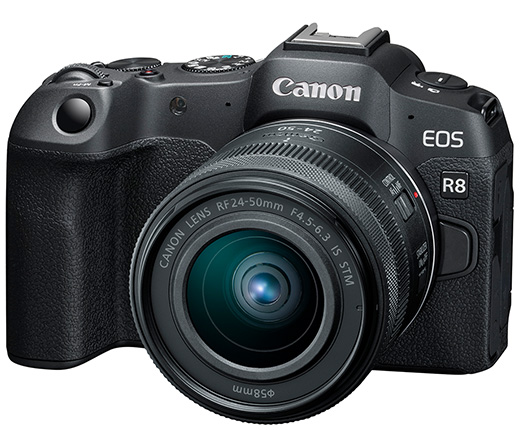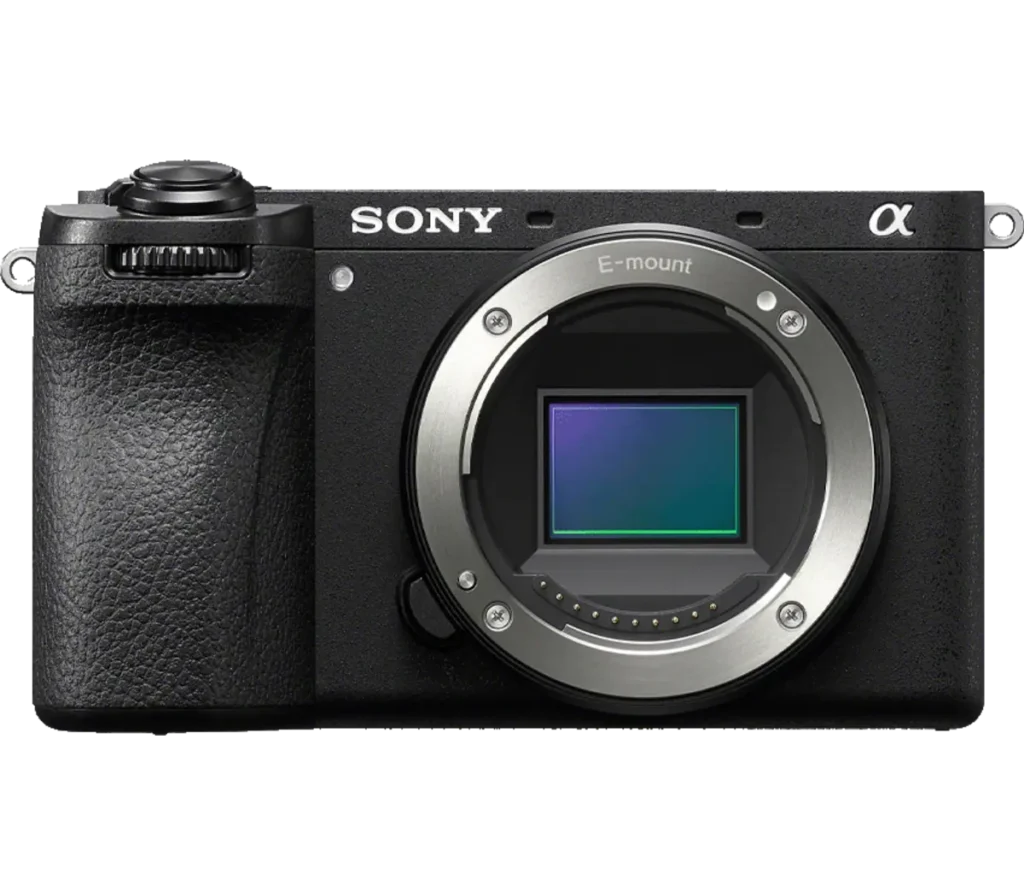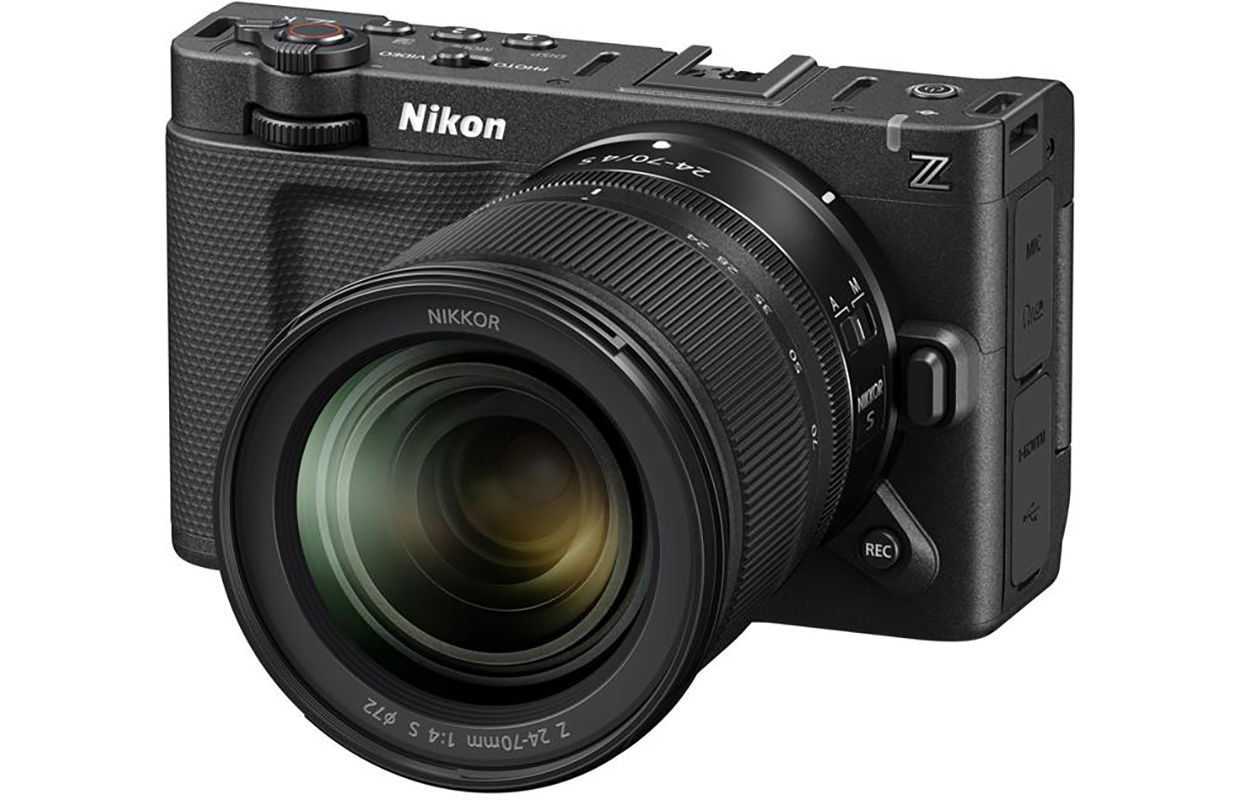
Product photograph from the Shutterbug News archive. Shown as an equipment example, not a new test result.
Equipment guide. This article explains selection and evaluation criteria; it is not a hands-on product review.
A hybrid camera is useful only if moving between stills and video fits the assignment. The two formats can require different exposure choices, framing and accessories. Evaluate the transition as a workflow rather than treating the video specification as a separate bonus.
Build a realistic switching test
Set up a still photograph, switch to your intended video mode, record a short clip and return to stills. Notice which settings carry over and which remain separate. Check whether the crop changes your field of view or the screen displays information you need.
Try the sequence with the actual microphone, support and power arrangement you expect to use. Accessories can block controls or make a previously comfortable camera awkward.
Inspect files and sound
Open the footage in your normal editing software. Confirm the recording format, frame rate and audio channels. A mode that looks impressive on paper may add conversion time or require a different storage routine.
Read the current manual for recording limits and operating conditions. Do not assume that a short successful clip establishes reliability for a long uninterrupted session.
Prioritise the main assignment
Decide which output must succeed if time becomes limited. A single camera can simplify a kit, but frequent reconfiguration may interrupt coverage. Practice a repeatable setup and save settings where supported. The best hybrid choice is the one that lets you deliver both formats with predictable effort.
Continue exploring
Nikon ZR firmware 2.00 announced: what is coming in 2026 · Canon EOS C80 Becomes Netflix Approved