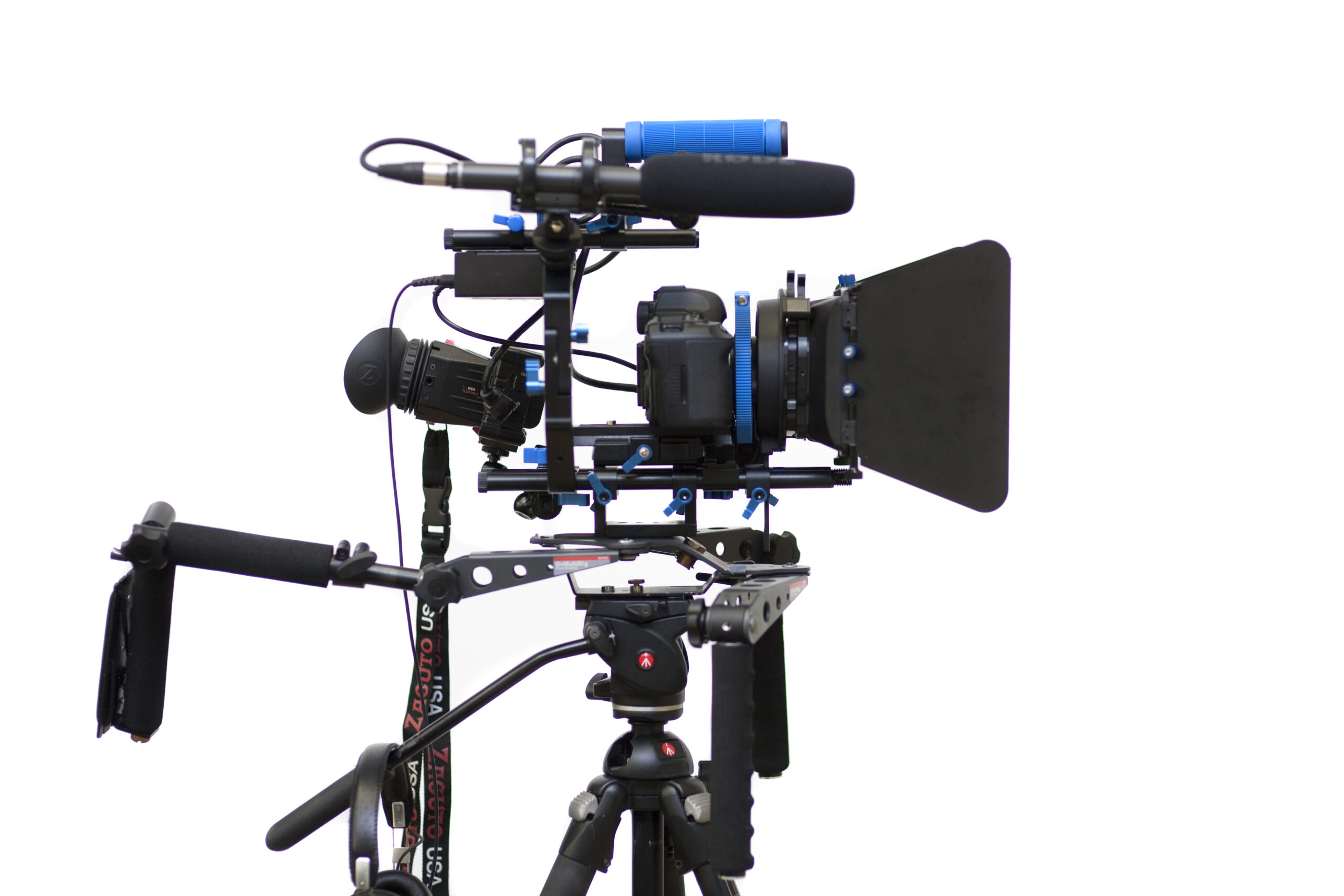
Photo: Sebastiaan ter Burg, DSLR Video rig, CC BY-SA 2.0. Resized; card thumbnails may be cropped. Archive equipment illustration.
Equipment guide. This article explains selection and evaluation criteria; it is not a hands-on product review.
An external monitor can make a camera’s image easier to see, but screen size alone does not establish its usefulness. Placement, brightness, power and the mounting arrangement determine whether it improves the working setup or adds a new distraction.
Put the screen where you work
Try the monitor at the camera height and angle used during the assignment. Check visibility in the expected lighting and whether the position blocks a control or changes your posture. A monitor should reduce strain rather than move it elsewhere.
Confirm the camera’s supported output and the monitor’s compatible input. Features available on the camera screen may not behave identically through an external connection.
Include power and cables
Account for battery weight and runtime in the complete configuration. Secure cables with supported accessories, leaving appropriate clearance for movement. Avoid placing strain on the camera’s connector or using the cable as a support.
Check whether the monitor shows the information needed to assess focus and exposure, and learn those tools before the session.
Test the full workflow
Make a recording, review it independently and compare what the monitor showed with the saved file. Practice disconnecting and returning to the camera’s own screen. A dependable monitor setup includes a fallback and a clear understanding of what is displayed, what is recorded and how the two differ.
Continue exploring
Nikon ZR firmware 2.00 announced: what is coming in 2026 · RED Digital Cinema, Inc. Releases The V-RAPTOR [X] Z Mount And KOMODO-X Z Mount Cinema Cameras Compatible With The Nikon Z Mount