Research-based review using Epson documentation. We have not performed hands-on print-quality, speed or running-cost tests.
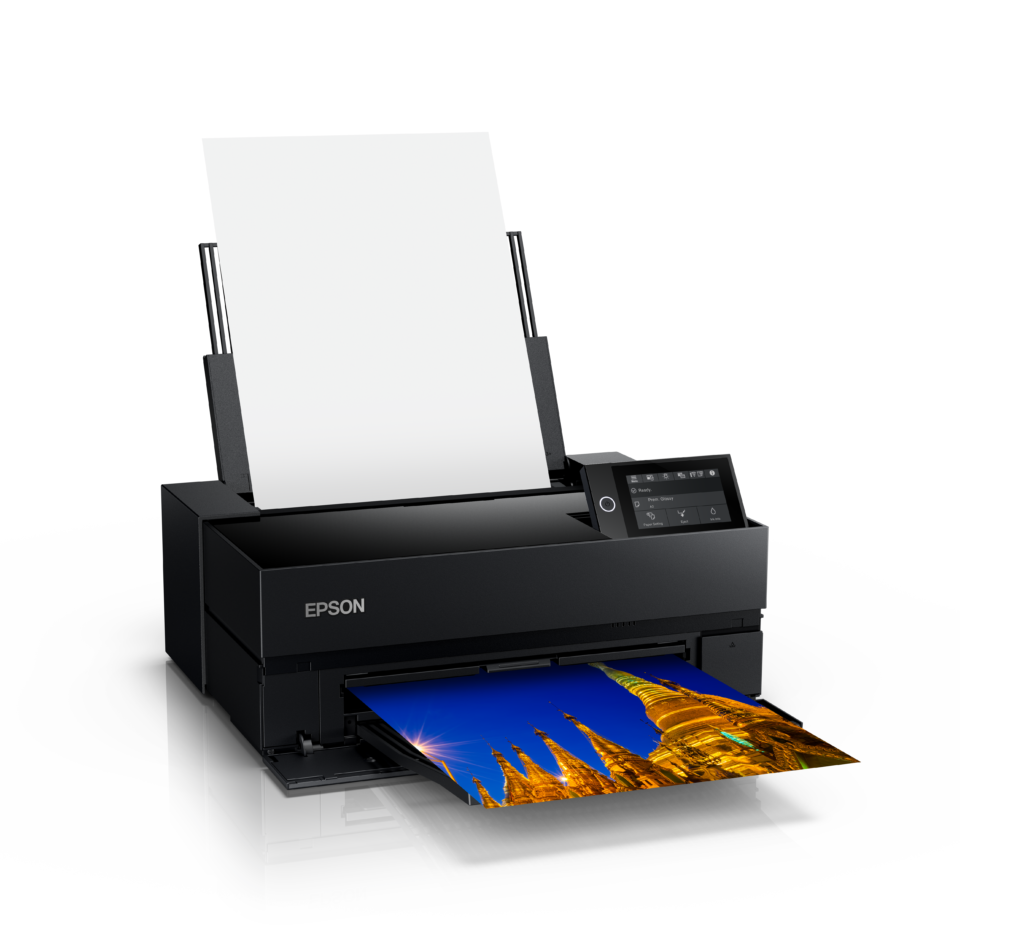
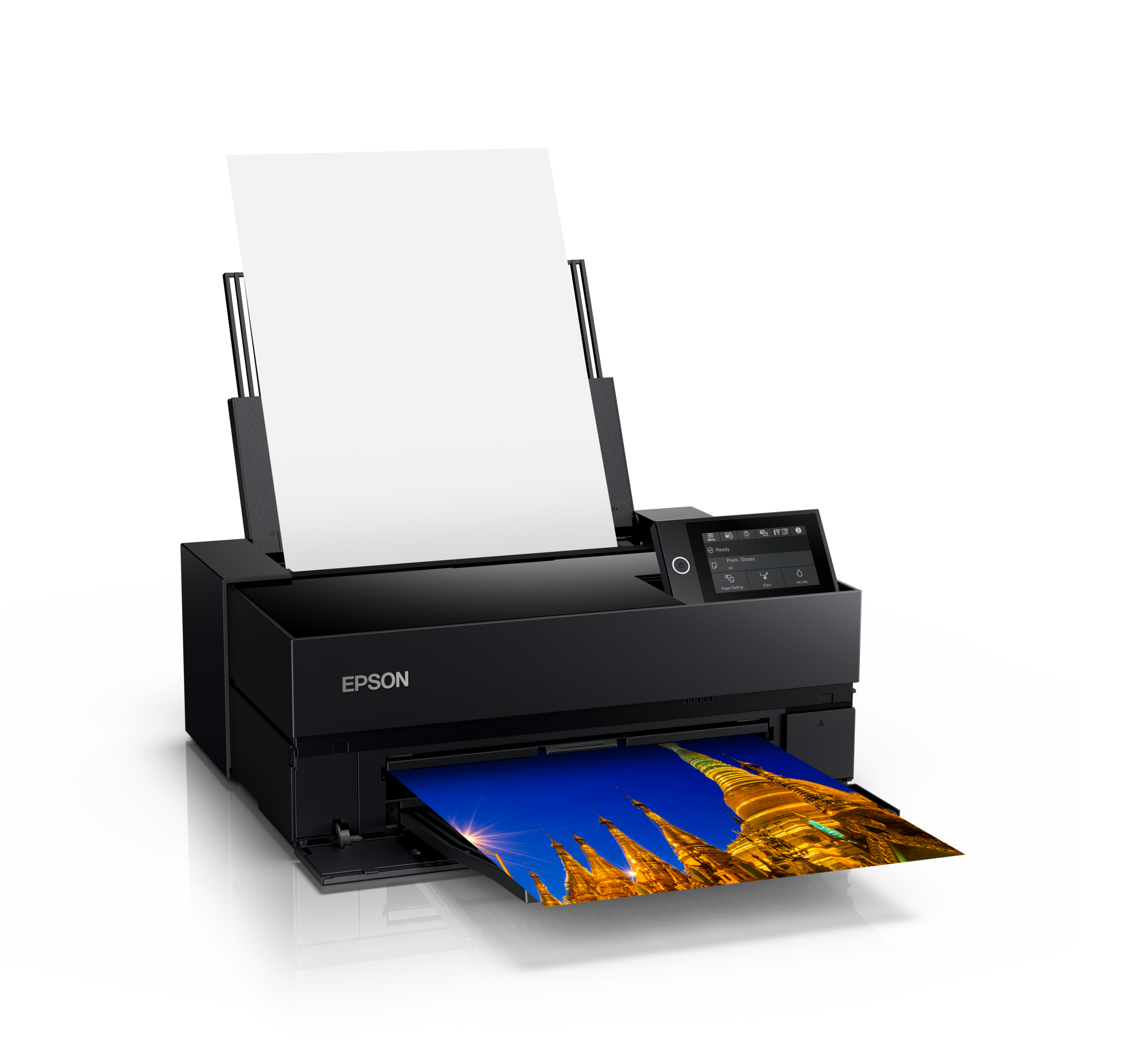
The Epson SureColor P700 is a desktop pigment printer for photographers who want direct control over prints up to 13 inches wide. Its appeal is the ability to move between a proof, a portfolio print and a finished small exhibition piece without sending each revision to a lab. That control also makes the photographer responsible for paper settings, maintenance and consumable planning.
What changes when the black inks have separate channels
Epson’s P700 and P900 announcement describes a ten-channel printhead and UltraChrome PRO10 pigment ink, including violet. Photo Black and Matte Black have dedicated channels, eliminating the ink-switching process associated with some earlier Epson models.
For a photographer alternating paper surfaces, that is a useful workflow distinction. It does not remove the need to select the correct media setting or maintain the printer. Start with one supported paper, establish a repeatable result, and then add a second surface. Our matte-versus-glossy comparison guide provides a practical way to judge the difference.
Plan the paper path before the desk
The official product page lists sheet and roll-media handling. Confirm the exact paper’s supported feed path, thickness and border requirements in the manual. A sheet fitting the maximum width does not mean every print layout is available on that material.
Measure the printer in operating configuration, including trays and the space needed to load and retrieve paper. Keep a clear staging area for checking prints without stacking fresh output under equipment. A compact closed footprint can be misleading in a crowded editing room.
Budget for learning and maintenance
Initial charging consumes part of the supplied ink. Plan consumables around actual output rather than assuming the first cartridges provide a normal production yield. Record paper, ink purchases, maintenance supplies and rejected sheets as you learn; avoid turning an unmeasured cartridge estimate into a claimed cost per print.
Build a small reference set containing skin tones, a difficult shadow, a smooth gradient and a saturated color. Print that set after establishing the correct profile and driver settings. It gives you a recognizable baseline when changing paper or diagnosing a later problem.
Where the P700 fits
The P700 is worth considering for controlled, modest-volume printing within its paper width. Larger finished pieces or a busy production schedule may favor a wider printer or a lab relationship. Compare that decision using our home printer and professional lab workflow guide. Assess sample prints on your intended paper before treating a manufacturer’s quality claim as a result for your own photographs.
Feature photograph: Epson / Epson US Media Center. Resized for display.
Sources reviewed October 30, 2026.