Lines or missing detail in a print do not identify one universal fault. A nozzle check and print-head alignment address different questions. Begin with the printer’s own diagnostic pattern and current instructions before changing several settings at once.
Read the diagnostic pattern
Epson’s SureColor P700/P900 guide describes print-head cleaning for faint or missing portions of a nozzle-check pattern. Print the pattern on the specified media and compare it with the manual’s example. Keep the sheet so you can judge whether a later step actually changed the result.
If the pattern is complete, avoid treating every photographic defect as a clogged nozzle. Check the loaded paper, selected media setting, printable side and the saved image. A problem introduced by the file or paper path will not necessarily improve with another cleaning cycle.
Use alignment for the relevant symptom
Follow the model’s alignment procedure when the documented symptoms and checks indicate it. Epson provides separate P700 alignment guidance through the printer’s maintenance controls. Use the required paper and compare the pattern carefully rather than guessing which sample looks closest.
Complete one diagnostic step at a time and label the results. Changing alignment, cleaning, media settings and color management together makes it difficult to know which change helped.
Respect the cleaning limits
Cleaning consumes ink. Follow the exact repetition limits, waiting intervals and escalation instructions in your model’s manual. Do not substitute a procedure written for a similarly named large-format printer, and do not improvise solvent or syringe treatments from an unrelated online example.
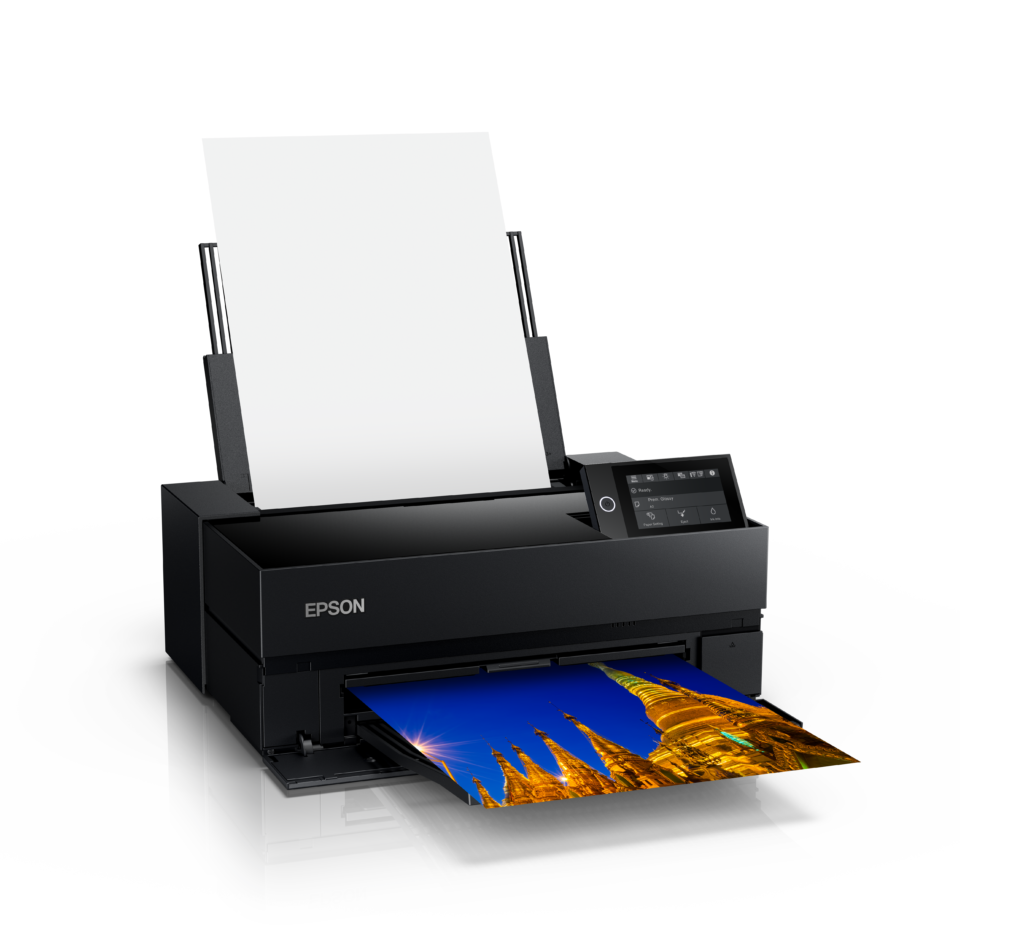
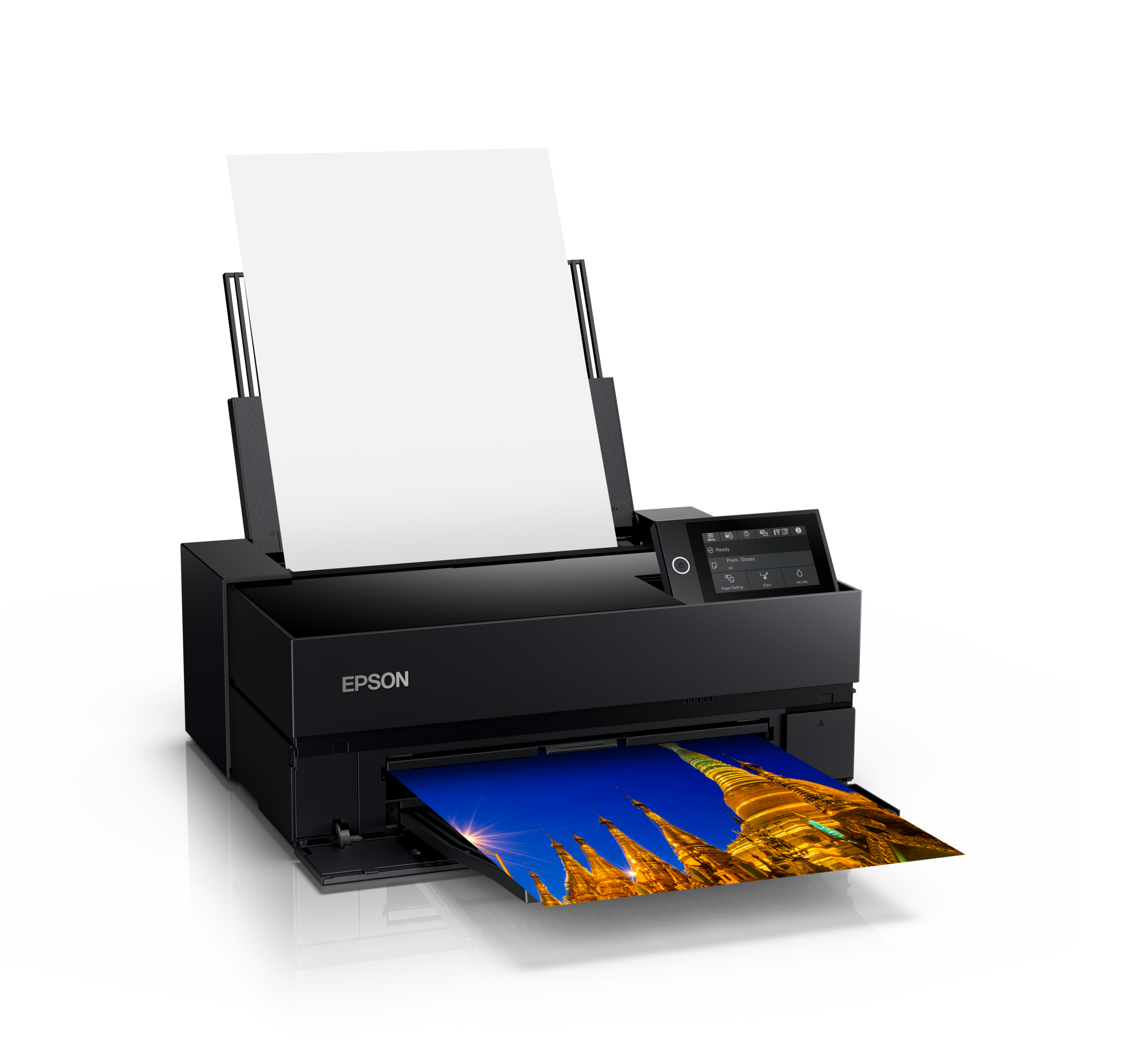
Once the diagnostic checks are satisfactory, make a small print from a known file using a documented paper configuration. Our guides to matte and glossy papers and soft proofing help with different parts of the printing process. This is a documentation-based troubleshooting guide, not a report of a fault or repair performed on the pictured Epson P700.
Sources and further reading
Product photograph: Epson US Media Center. SureColor P700 shown for illustration; no malfunction or hands-on repair is alleged.