A recorder’s storage capacity is an incomplete answer to the question of retention. The number of cameras, recording schedule and selected image settings all influence how the available space is used. A studio needs to understand the policy behind the footage.
Define what needs to be retained
Identify the monitored areas and the period of time that would make recordings useful for the studio’s operations. Keep the purpose specific so the system is not configured around an arbitrary maximum.
Distinguish continuous recording from event-triggered clips. Each arrangement creates a different record of what happened before, during and after an activity.
Check the actual configuration
Read the product’s storage and recording guidance for the selected resolution, frame rate and camera count. Avoid treating a promotional estimate as a guarantee for every configuration.
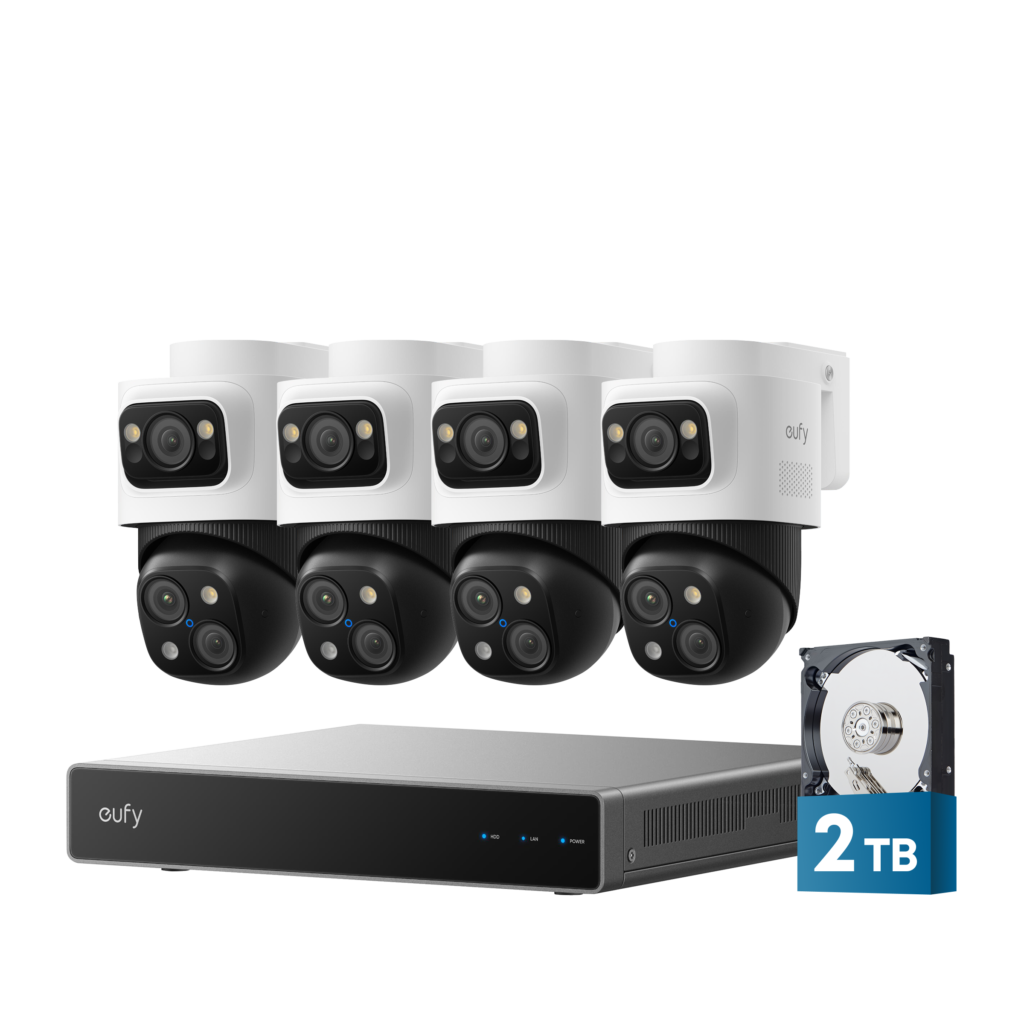
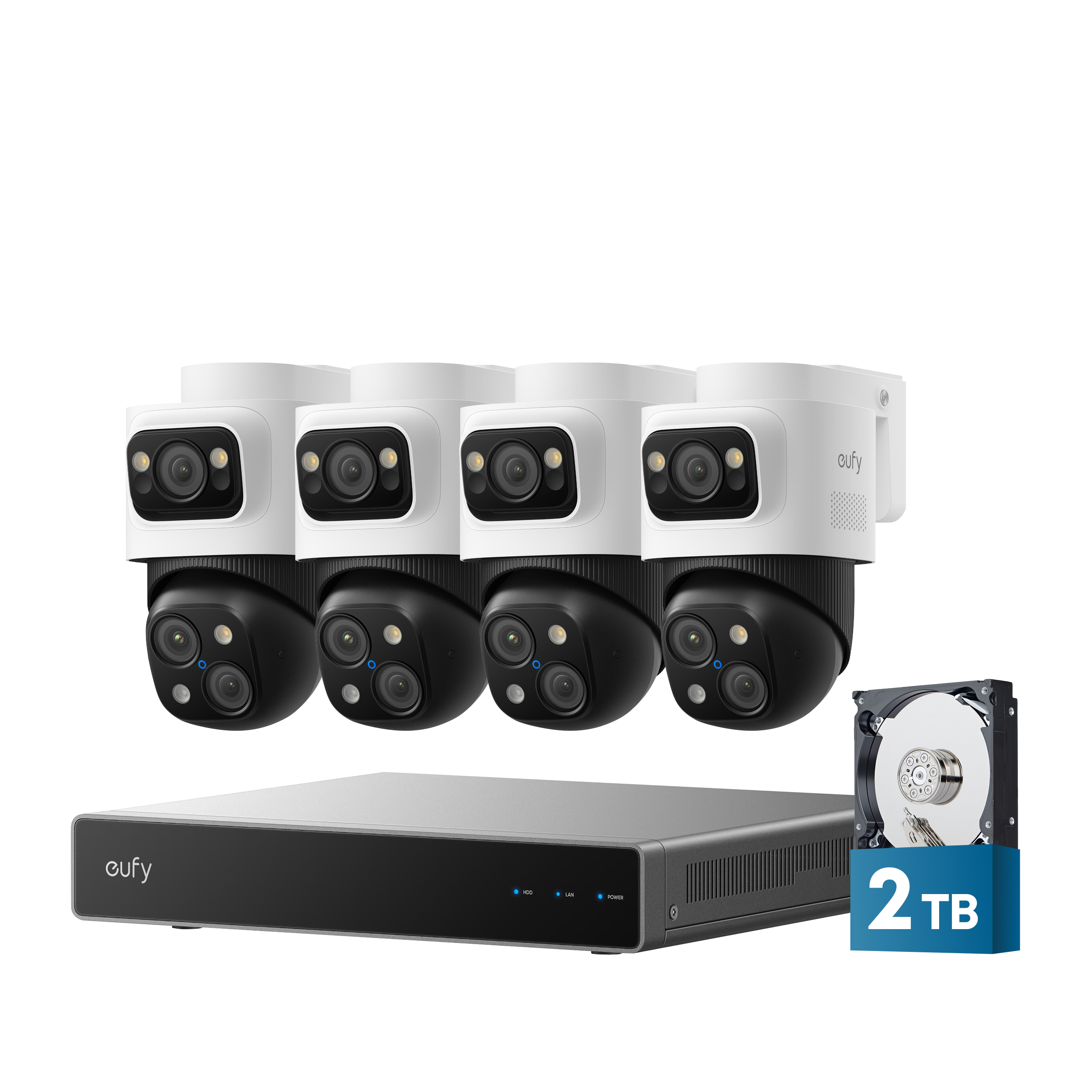
The eufy S4 Max PoE NVR information provides one manufacturer example of a camera-and-recorder system. Confirm the exact bundle, storage and supported behaviour for the system being evaluated.
Verify the oldest available footage
After the configured system has operated for a useful period, inspect the oldest retained recordings and compare them with the intended policy. Check what happens as storage fills and how an important clip is preserved through the supported process.
Keep the camera names and recording settings documented. If a later adjustment increases data use, revisit the retention expectation instead of assuming the same duration will remain available.
Also test the export path before a recording is needed urgently. Retention and retrieval are related but separate questions: the clip must still exist, and an authorised person must be able to find it.
A clear policy turns storage from a large number on a product page into an understandable record of studio activity. That is the useful basis for evaluating whether the system fits the job.
Keep exploring
Local or Cloud Camera Storage: Questions for a Small Photo Studio