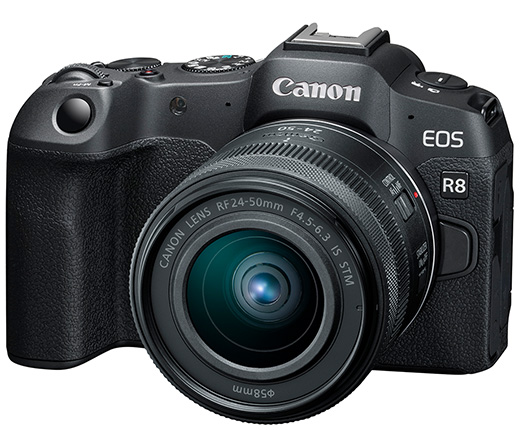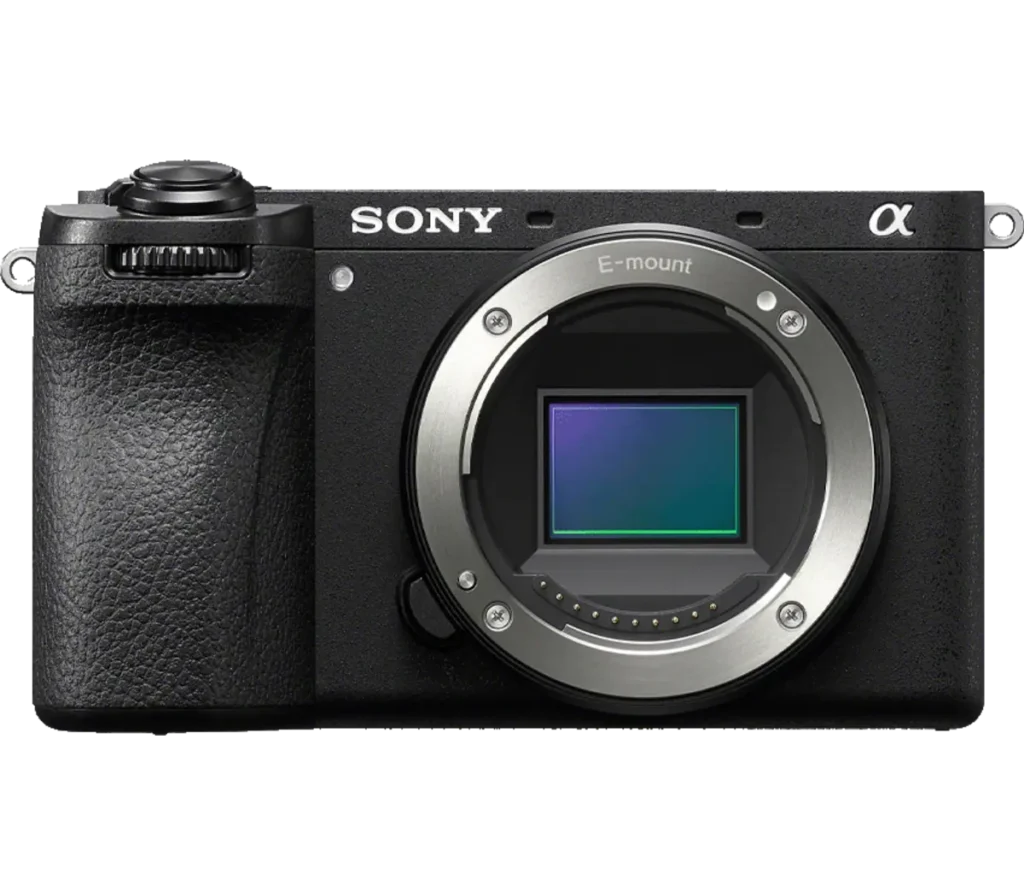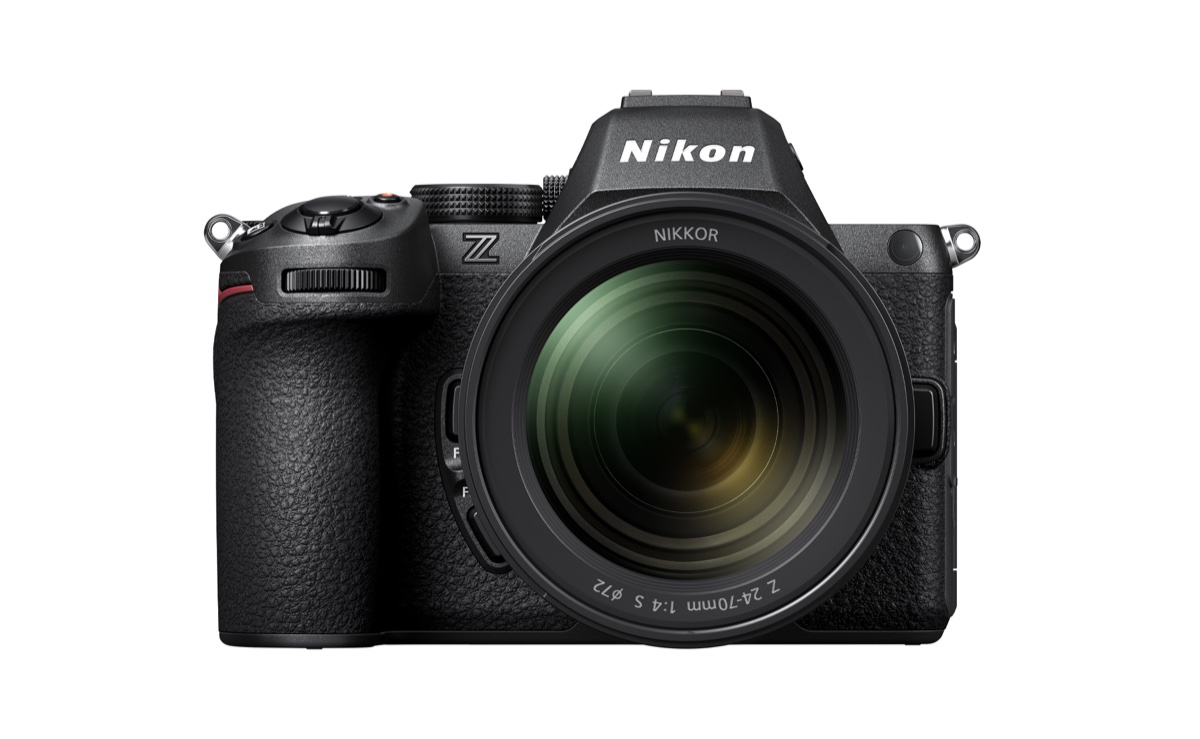
Product photograph from the Shutterbug News archive. Shown as an equipment example, not a new test result.
Equipment guide. This article explains selection and evaluation criteria; it is not a hands-on product review.
Resolution is valuable when it supports a real output requirement. Large prints, heavy cropping and detailed commercial work can benefit from more pixels, but larger files also affect storage, transfer and editing. Start with the finished photograph rather than the highest number available.
Work backward from output
List the largest prints and typical digital uses you expect. Ask a print provider about its file recommendations for the material and viewing distance. A closely examined small print and a large display seen from across a room do not create identical requirements.
Consider how much you normally crop. If most frames lose substantial image area, more capture resolution may help, but better framing or a more suitable lens may address the underlying problem.
Keep the capture chain in view
Focus accuracy, movement, lens performance and light all affect visible detail. Additional pixels cannot restore a missed moment or correct serious blur. Compare complete photographs made under realistic conditions, not only isolated specification values.
Check whether your computer and backup routine can comfortably handle the larger files. Slow review and insufficient storage can become everyday costs.
Test before changing systems
Print a strong file from your current camera at the size you need. Examine it at a sensible viewing distance and identify an actual limitation. If the result already works, an upgrade may still offer other advantages, but resolution alone has not established the need.
Continue exploring
The Finished Photograph: A Professional Guide to Metal Prints · How to Prepare Photographs for Juried Shows and Gallery Submissions