An automatically stitched aerial panorama can look convincing at thumbnail size while containing doubled boats, broken shorelines or inconsistent skies. Evaluate it as a composite made over time. A successful capture mode still needs a careful inspection before the photograph is delivered.
Know which files the mode saves
Read the current drone manual for the chosen panorama mode and storage settings. DJI’s Mini 4 Pro manual documents its camera modes and options; check what your installed software offers rather than assuming every panorama format saves the same originals.
Retain the component photographs when available and preserve the stitched output separately. Source frames give you a way to diagnose a seam or try another stitch. They also help explain why the finished image differs from a single camera exposure.
Look for changes between frames
Inspect people, water, clouds, vehicles and vegetation that moved while the sequence was captured. Follow the joins along straight structures and detailed edges. Check both the center and the outer portions, where a small alignment error can become more noticeable after cropping or enlargement.
Nikon’s panorama guidance discusses overlap between component frames. For aerial work, sufficient overlap is only part of the problem: changing viewpoint, moving objects and changing light can still challenge the stitch. Do not assume software can reconstruct every occluded or mismatched detail reliably.
Choose an honest final presentation
Compare the panorama with its source frames, select a crop that preserves coherent geometry, and inspect the intended export size. If a meaningful defect cannot be resolved without inventing subject detail, choose another frame or another sequence. Keep any substantial editorial changes appropriate to the use of the image.
Plan the flight under the applicable operating rules and keep image-making subordinate to safe control of the aircraft. Our guides to aerial composition and drone file requirements cover related decisions. This article is a review checklist, not a hands-on panorama test of the pictured drone.
Sources and further reading
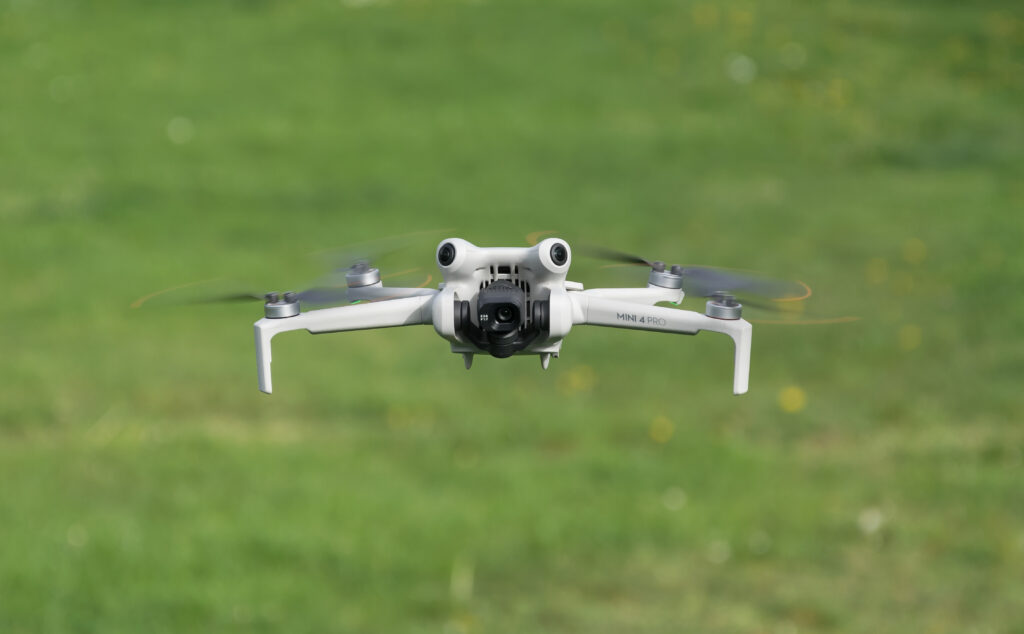
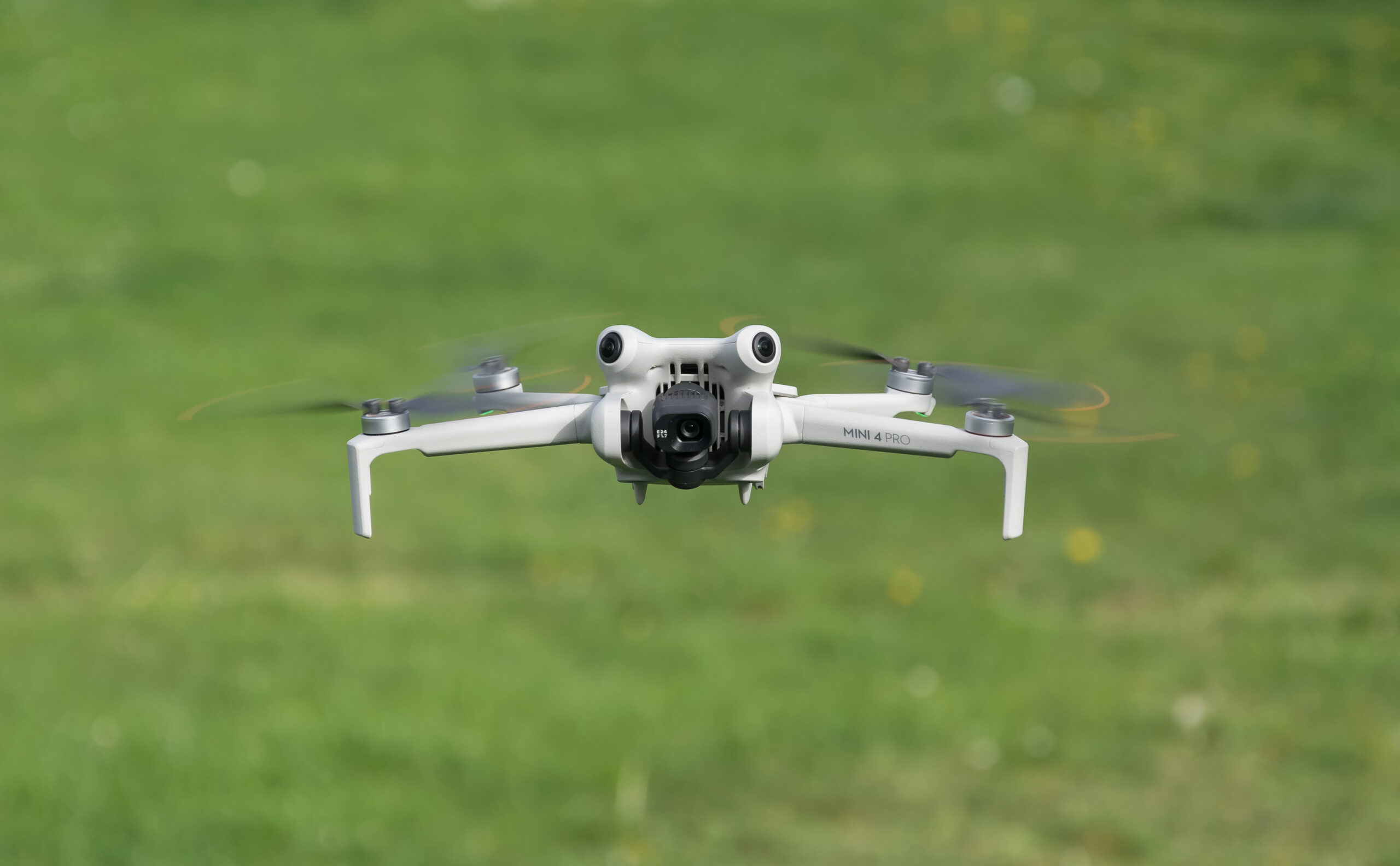
DJI Mini 4 Pro photograph: Jacek Halicki / Wikimedia Commons, CC BY-SA 4.0. Source: https://commons.wikimedia.org/wiki/File:2024_Dron_DJI_Mini_4_Pro_(17).jpg . License: https://creativecommons.org/licenses/by-sa/4.0/ . Resized for display.