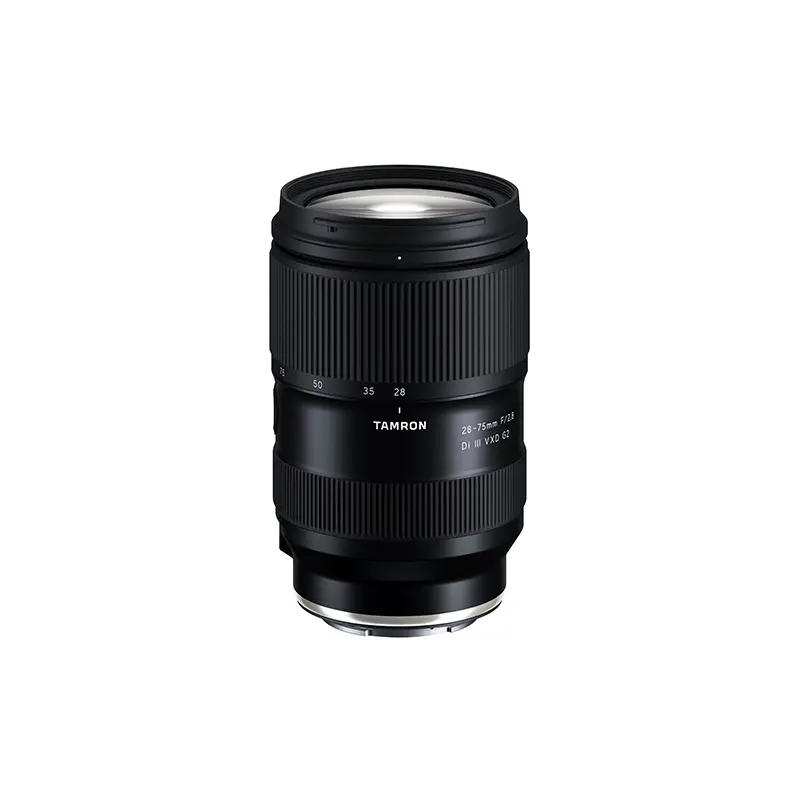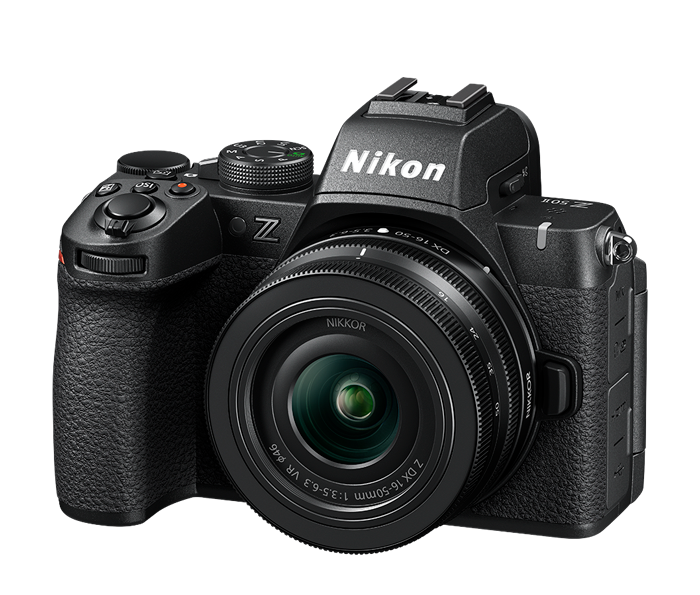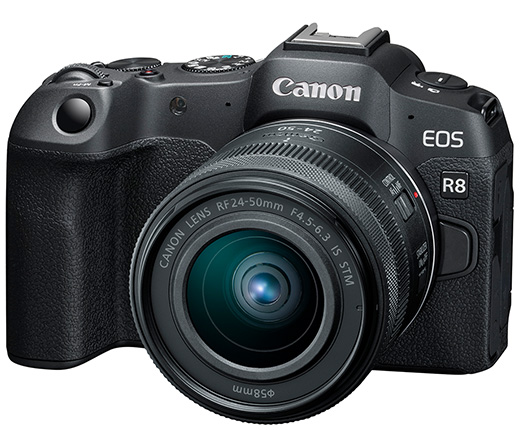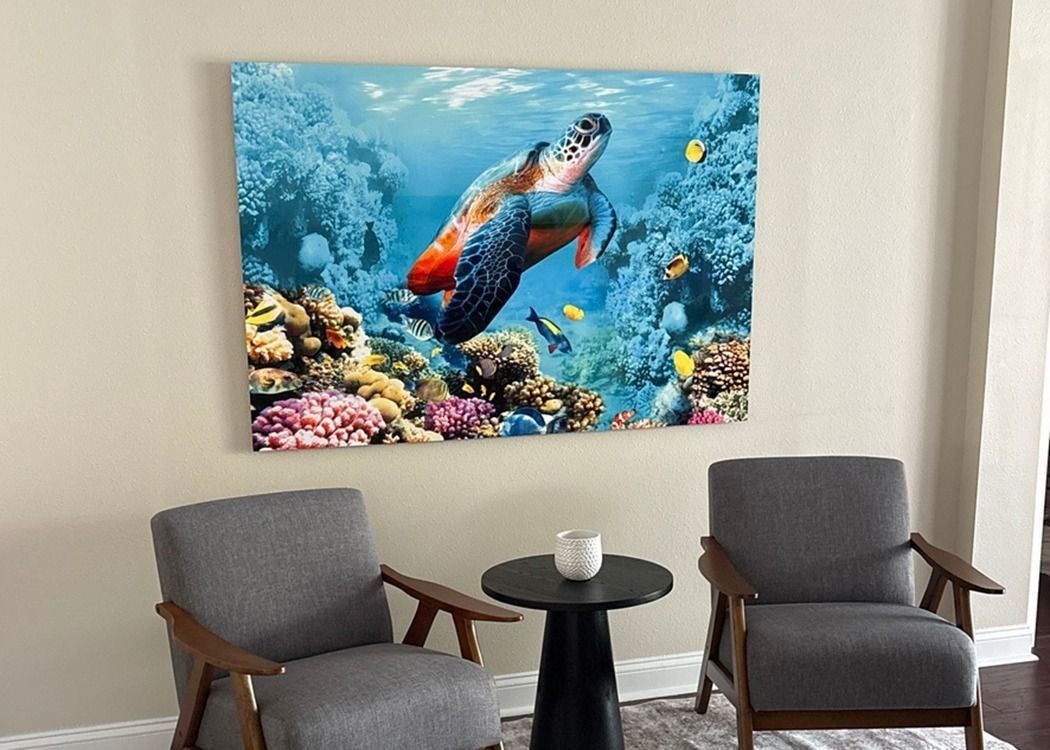
Photograph: Neal Nachman / Artistic Creationz. Used as an illustrative image.
Equipment guide. This article explains selection and evaluation criteria; it is not a hands-on product review.
A printer purchase starts with a print, not a specification sheet. Gather three examples of what you want to produce: perhaps a small portfolio print, a larger exhibition piece and a proof for a client. Write down the size and paper surface of each.
Match the machine to the output
Compare the supported paper widths and feed paths against those examples. Allow for borders, handling space and any paper thickness restrictions. A printer that accommodates the sheet is not automatically convenient for the way you want to present the image.
Manufacturer specifications provide useful boundaries. For example, Epson lists the SureColor P700 as a 13-inch photo printer using ten pigment inks. Those facts establish a product category; they do not establish how your photograph will look on your preferred paper. Ask for sample prints or arrange a demonstration using a file you know well.
Budget for a workable setup
Measure the desk and the space needed for paper to enter and exit. Include supplies, storage and the time required to learn the driver and maintenance process. Read the relevant manual before purchase so routine care is part of the decision.
If most finished pieces are larger than your likely printer can handle, compare owning a proofing printer with using a lab for final output. Choose the arrangement that helps you make and evaluate more useful prints, rather than stretching the budget for capacity you rarely use.
Continue exploring
The Finished Photograph: A Professional Guide to Metal Prints · How to Prepare Photographs for Juried Shows and Gallery Submissions
Source and further reading: Epson SureColor P700 product information. Checked October 8, 2026.