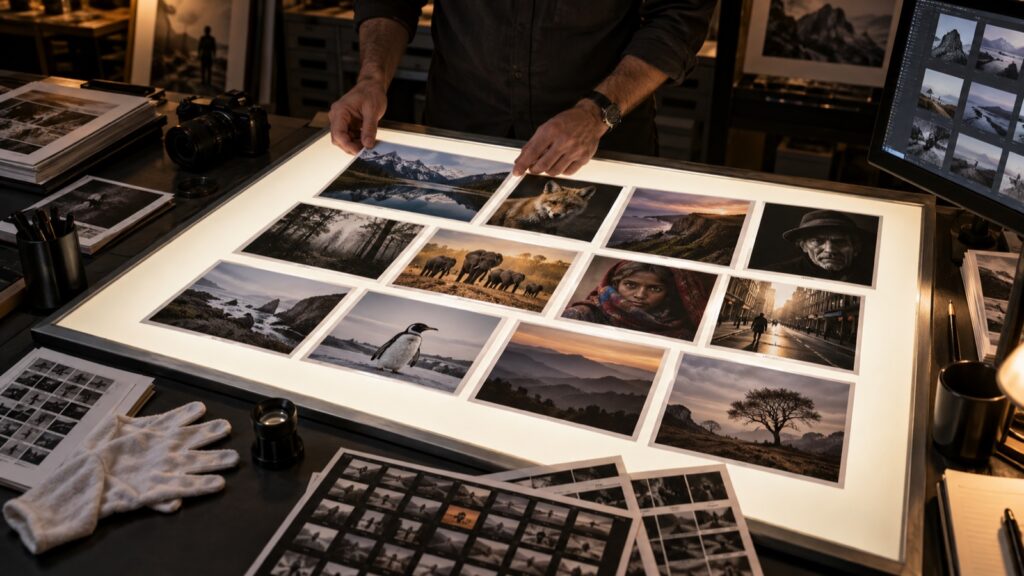
Photograph: Neal Nachman / Artistic Creationz. Used as an illustrative image.
Archiving begins before a project disappears from your active workspace. Spend a few minutes recording what the folder contains and what would be needed to reopen the work. The future reader may be you after a long gap.
Keep the useful context
Write a brief project note with the client or subject, dates, folder structure and location of the final delivery. Identify the application used for important edits and any dependencies that may matter later. Keep relevant usage and permission records in the appropriate business system rather than scattering them among image exports.
Remove temporary clutter only when you understand its purpose and have followed your retention policy. Do not assume that an unfamiliar small file is disposable; some applications store edits or organizational information separately from the original image.
Test a return visit
Close the project and reopen a representative master from its intended archive location. Confirm that linked originals are available and that a delivered file can be found without searching through every folder. Make sure the archive is included in your backup process.
Keep a simple index of archived projects if the collection spans several drives. Record the storage location in terms that will still make sense after a device is replaced. A good archive does not merely preserve bytes. It preserves enough context to retrieve a photograph, understand the edit and provide the correct version when a future request arrives.
Continue exploring
SanDisk Extreme 510 Portable SSD · The Finished Photograph: A Professional Guide to Metal Prints