A requested change should not require rebuilding a photograph from the beginning. Photoshop Smart Objects preserve source content so some transformations and filters remain revisable. Their value is practical: you can revisit a decision while retaining a clearer separation between the source and the effect.
Decide which operation needs flexibility
Keep the original file and work in a separate layered document. Identify the layer you intend to transform or filter, then convert it to a Smart Object before applying the operation. Name the layer for its role so a later editor can distinguish the source from finishing work.
Adobe describes Smart Objects as containers that preserve source content during transformations. This protects the underlying data through repeated adjustments, but it does not create detail that was absent from the source. Inspect the image at its intended output size instead of treating the Smart Object badge as a guarantee of unlimited enlargement.
Keep filters adjustable
Supported filters applied to a Smart Object appear as Smart Filters beneath the layer. Adobe documents controls for revisiting filter settings, visibility and masking. Apply one restrained effect, then toggle it off and on to judge its contribution. Use a clear layer name rather than relying on memory to explain why the effect was added.
For a practical exercise, compare two versions of a small finishing adjustment in a copy of the document. Reopen the filter settings and revise them. Confirm that the source content is still available and that the result remains useful without the effect.
Save the document that preserves the decisions
Keep a layered master in a format that supports the document’s contents. Create a separate delivery export and reopen it to confirm the expected appearance. A flattened export serves a different purpose from the editable working file.
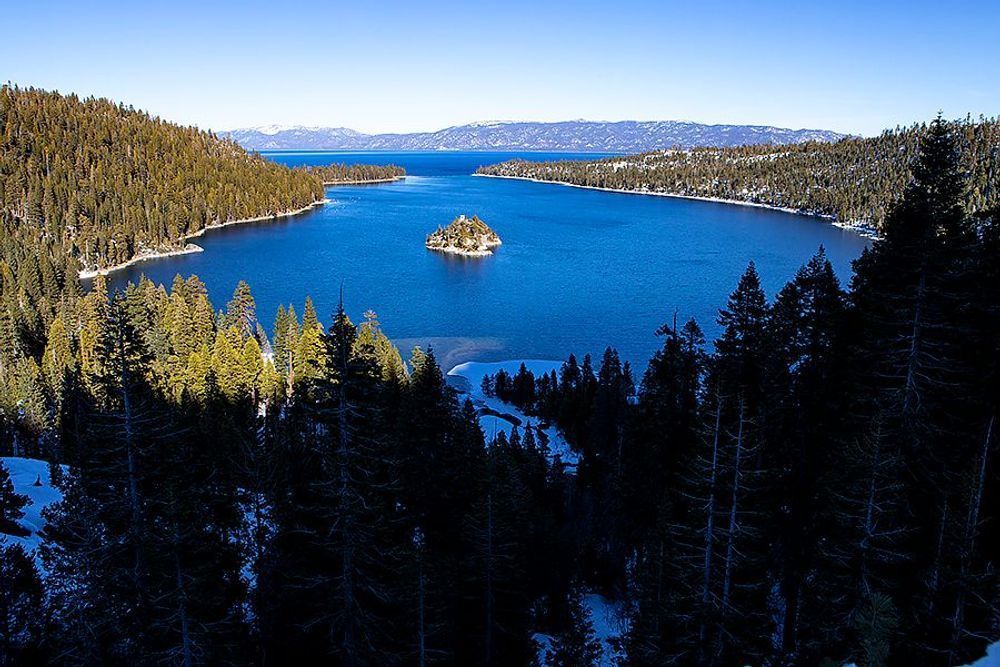
Before handing the project to another person, check whether any source content is linked externally and include what the recipient needs. Pair this habit with our guide to separating master files and exports and the final delivery check. The featured photograph illustrates the discussion; it is not presented as a before-and-after demonstration or a record of its original editing process.
Sources and further reading
Illustrative photograph: Golden Driftwood, Boneyard Beach, Florida, by Neal Nachman / Artistic Creationz.