Focus peaking is useful for finding detail quickly, while a magnified view helps you examine a particular detail more closely. Treat them as complementary tools when focusing manually. A colored outline is an aid, rather than a substitute for checking what matters in the photograph.
Choose the detail that must be sharp
For a stationary subject, identify a precise feature: lettering on an object, a textured edge or the near eye in a carefully arranged portrait. Stabilize the camera and subject as far as the situation allows. Set the intended composition before making the final focus adjustment, since moving the camera afterward can change the relationship you just checked.
Enable the focus aid your camera actually provides. Nikon’s D850 live-view documentation describes colored peaking outlines; the D780 manual notes that outlines may not appear when the camera cannot detect them and recommends checking a zoomed view. Availability and behavior depend on model and shooting mode.
Use magnification for a local inspection
Move the magnified area to the chosen detail and turn the focus ring slowly through the sharpest position. Compare just before and just after that position rather than stopping at the first appearance of an outline. Return to the full view and confirm that the framing still works.
Check the camera manual for how focus aids interact with aperture, display brightness and video settings. Do not assume an instruction for one body applies unchanged to another. With a moving subject, a magnified display can make it harder to follow the overall scene, so choose the tool that suits the actual pace.
Check the recorded image
Make a test exposure and inspect the saved file. Look at the intended detail and at any other area whose sharpness matters. If the result is soft, separate a focus error from camera movement or subject motion before changing the focusing method.
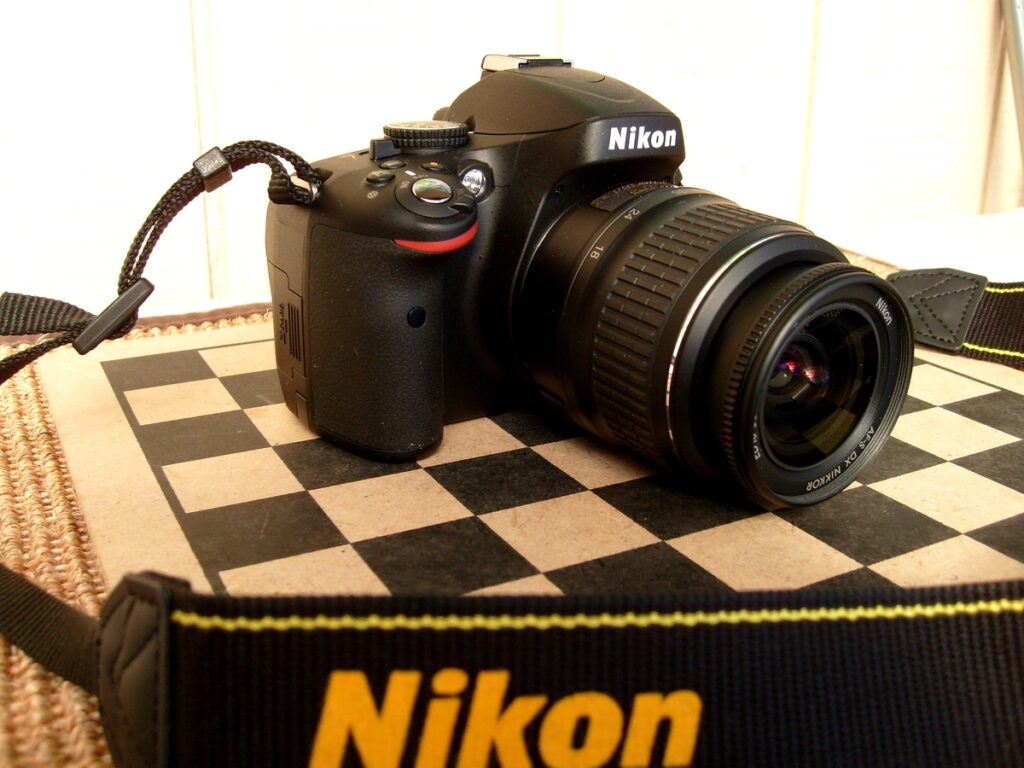
Our back-button focus guide addresses autofocus control, while the guide to tripod images that still look soft helps investigate movement. The Nikon Z8 product photograph above illustrates camera equipment; it is not a test of the focusing procedure on that model.
Sources and further reading
Product photograph: Nikon. Nikon Z8 shown as an equipment illustration; the linked manual examples concern the D850 and D780, not a hands-on Z8 test.